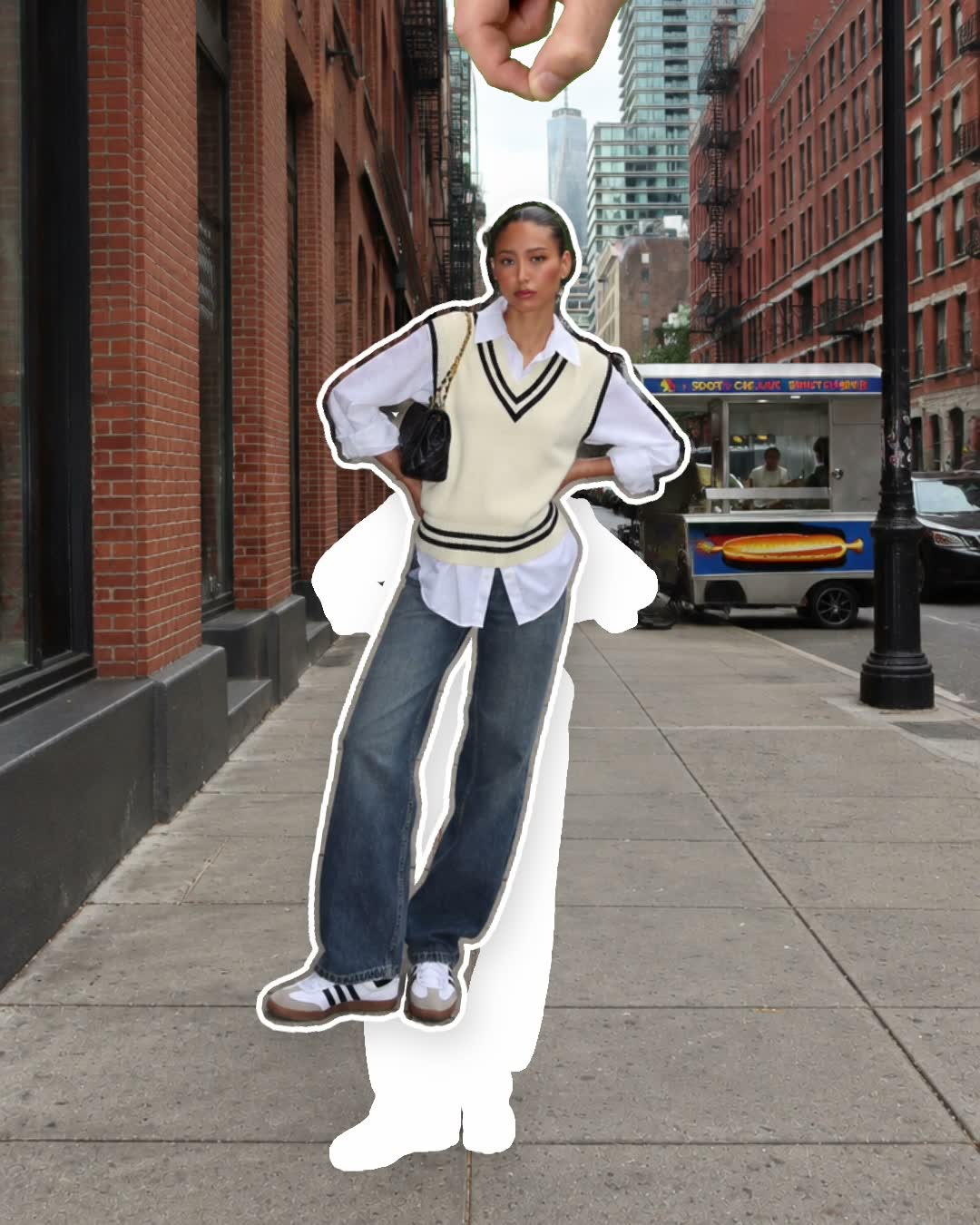
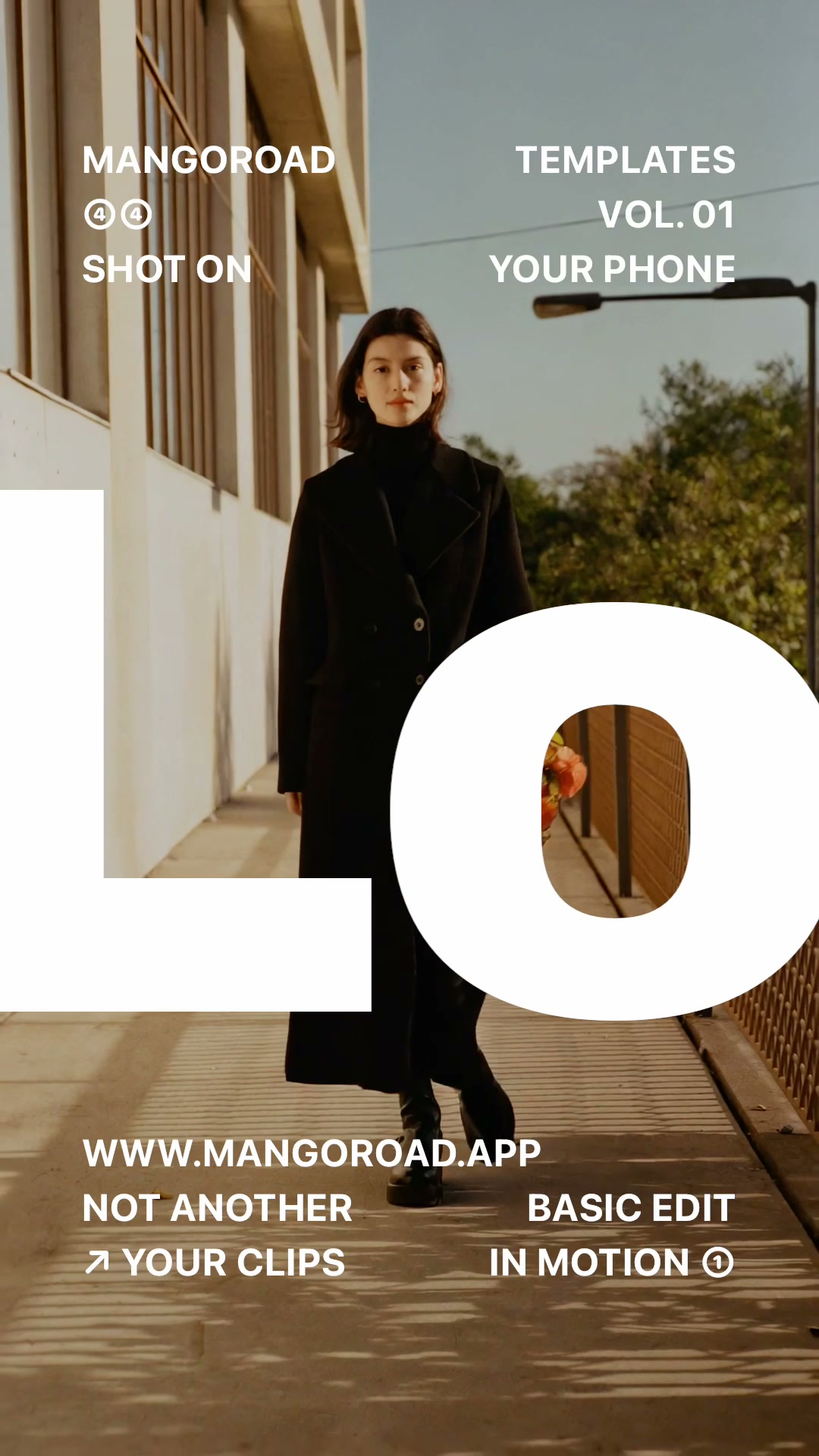
How to make an out of the post video

mangoroad team
6 min read
Key takeaways
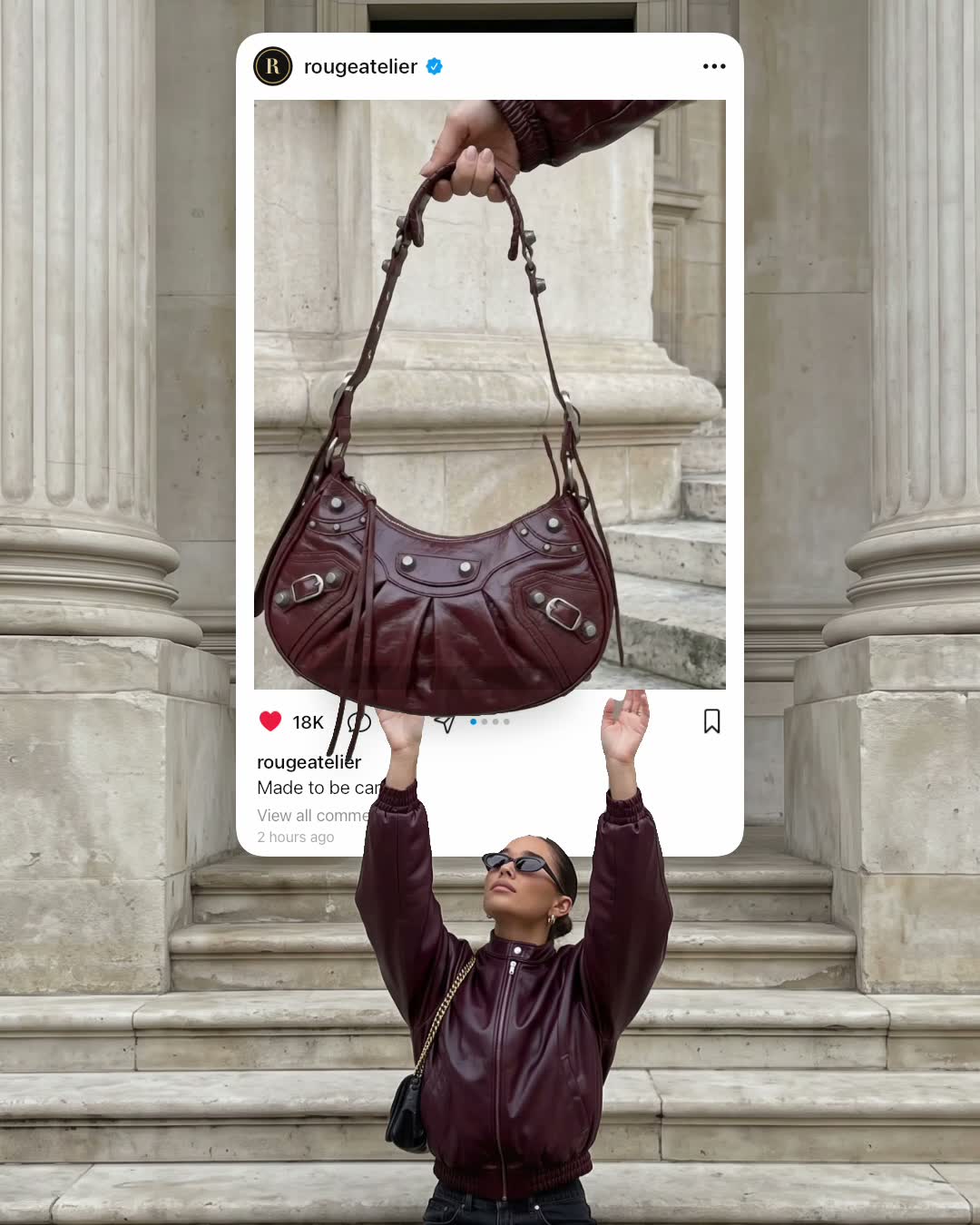
- Out of the post shows a giant Instagram-style post playing your video, with the bag in it hanging out of the post and into your hands.
- It takes a photo of you reaching up and an upright video of a bag (or anything with a handle) dangling near the bottom of the frame.
- You can change the post's words, such as the username and caption, and it exports an eight-second 4:5 video.
A pop out of post effect makes something look as if it's escaping your feed. In the Out of the post template in mangoroad, a giant Instagram-style post floats above you, playing your video, and the bag in that video hangs right out of the post and into your raised hands.
It's the kind of visual trick that makes people pause and work out how you did it. Here's how to shoot the two pieces it needs, how to make it in mangoroad, and how to get more people watching once it's posted.
What the Out of the post template is
The finished video is eight seconds long and made in 4:5, the shape of an Instagram feed post. You sit at the bottom of the frame, reaching up. Above you is a large post, complete with a username, likes, a caption and a “View all comments” line, and inside it plays your video of a bag. The bag hangs out of the bottom of the post, so it looks as if it's dropping out of the feed and into your hands.
Every word on the post can be changed, so it can read like your own account or a joke one. It's made for the Instagram feed, where a post inside a post is at its most convincing, and you can share it on TikTok, Reels and Shorts too.
Who it's for
- Anyone showing off a new bag, a bouquet, a tote or a gift, in a way that's more fun than a straight photo.
- Instagram regulars who enjoy a joke about the feed itself.
- People who like a bit of set-up. It takes two quick shots and a little planning.
- Anyone who'd rather not learn editing software. The post, the layering and the timing are done for you.
How to make it in mangoroad (step by step)
Step 1: Open mangoroad and pick Out of the post
Find Out of the post in Discover and watch the preview. When you're ready, tap Use template.
Step 2: Take the photo of you reaching up
The first piece is a photo of you. Getting it right is what sells the effect:
- Sit low. Use some steps or a low wall so you're in the bottom half of the frame.
- Reach straight up with both hands, as if you're about to catch something.
- Leave the top half empty. That's where the post goes, so sky or a plain wall is ideal.
Step 3: Film what's in your post
The second piece is an upright video of whatever is coming out of the post. A bag works best, but a bouquet or anything else with a handle works too. Hold it by the handle so it dangles near the bottom of the frame, with nothing underneath it. A little natural sway makes it feel alive.
Step 4: Change the post's words
Open Text to rewrite the post. You can change the username, the like and comment counts, the caption and the rest of the small print. Use your own handle, a made-up shop, or a caption that sets up the joke, such as “Made to be carried.”, which is what it says to begin with.
Out of the post doesn't come with a song, so add a sound in the app you post to if you'd like one.
Step 5: Preview, export and post
mangoroad shows you the finished video straight away. If the bag doesn't line up with your hands, retake or swap a piece in Clips. When you're happy, tap Export: the video is saved to Photos and kept in Projects, ready to post.
How to get more people watching
The trick does a lot of the work. A few ways to help it land:
Hook them in the first second
A post inside a post already looks different in the feed, so your caption can lean into the joke:
- “Ordered it on Instagram. It arrived on Instagram.”
- “When the post is too good to stay in the post.”
- “Catching my birthday present.”
Turn it into a series
Once you've got the reaching-up photo, the second piece is quick to change. Drop a different thing out of the post each time: this week's flowers, a new tote, a bag of pastries from your favourite bakery. Keep the same username on the post so the series feels connected.
Use trends without copying them
When people are sharing a haul, a gift or a seasonal moment, let it fall out of your post instead. You're joining in with a version nobody else has, rather than remaking the same video.
Post it on TikTok, Reels and Shorts
Out of the post is built for the Instagram feed. Worth knowing for each platform:
- Instagram feed. The 4:5 shape fills the post, so the post-within-a-post looks right at home.
- TikTok, Reels and Shorts. These fill the screen in 9:16, so the video shows with space above and below.
- Cover frame. Choose a moment where the bag is clearly hanging out of the post.
Keep the conversation going
Ask people what should fall out of the post next. The best answers are your next video, and replying with it gives the person who suggested it a reason to come back.
Example captions and hashtags
Copy these as they are or use them as a starting point:
For a creator
Ordered it on Instagram. It arrived on Instagram.
#3deffect #outofthepost #creativeedit #instagramreels #iphonevideo
For a new bag
New bag day. It didn't even make it out of the post.
#newbag #bagoftheday #ootd #outofthepost #styleinspo
Just for fun
Caught my birthday flowers mid-scroll.
#birthday #flowers #outofthepost #funnyreels #3deffect
Swap in tags that describe your own video. A few specific ones say more about it than a long list of generic ones.
FAQ
- Is the Out of the post template free to use in mangoroad?
- mangoroad isn't on the App Store yet. Making videos with its templates, Out of the post included, needs full access in the app, and the app shows you the options before you pay for anything. Get early access on this page and we'll email you when it's ready.
- What photos or clips work best for an out of the post video?
- Two pieces: a photo of you sitting low and reaching straight up with the top half of the frame empty, and an upright video of something with a handle, such as a bag or a bouquet, dangling near the bottom of the frame with nothing underneath it.
- Can I post an out of the post video to TikTok, Reels and Shorts?
- Yes, but it's made in 4:5, the shape of an Instagram feed post, which suits the post-within-a-post idea. On TikTok, Reels and Shorts, which fill the screen in 9:16, it shows with space above and below.
- How long should an out of the post video be?
- The template makes an eight-second video, which gives the post time to play and the bag time to land in your hands.
One photo of you reaching up, one video of something dangling, eight seconds of feed magic. For more effects that play with the frame, try Peel sticker or Look different, or a bold cut-out look with Stay iconic, and find every new template on the mangoroad blog.