How to make a Stay iconic video

mangoroad team
5 min read
Key takeaways
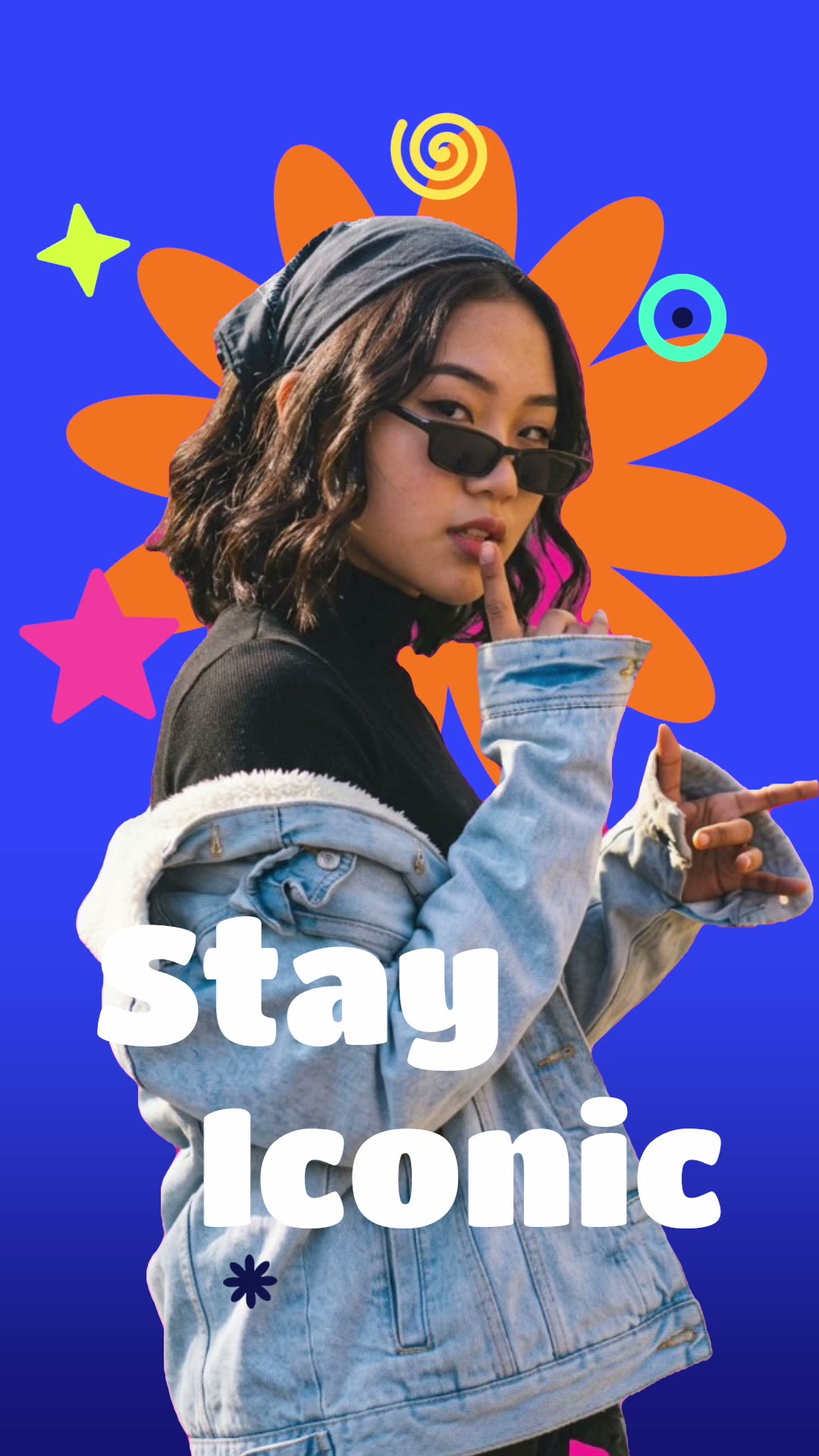
- Stay iconic cuts you out over a cobalt backdrop and a big orange flower, with stickers sliding in and two lines of type drifting across.
- All it needs is one photo of you, waist up.
- Change both lines and choose from ten fonts, then export a five-second vertical video.
Stay iconic is a cut out photo video template that turns one picture of you into a bright, pop-art poster in motion. You're cut out and placed over a cobalt backdrop and a big orange flower, stickers slide in around you, and two lines of type drift across. In mangoroad, it takes one photo and a few words.
Bold colour and movement help it stand out in a busy feed, and at five seconds it loops quickly. Here's how to make it in mangoroad, and how to get more people watching on TikTok, Instagram Reels and YouTube Shorts.
What the Stay iconic template is
The finished video is vertical and five seconds long. Your cut-out sits in front of a deep cobalt background with a large orange flower behind you. Stickers slide in around you, and two lines of type, reading “Stay” and “Iconic” to begin with, drift slowly across the frame.
You can change both lines and pick from ten fonts, from chunky display styles to handwritten and serif ones. It's playful and confident, so it suits a profile picture moment, a birthday, a personal motto or simply a photo you love.
Who it's for
- Anyone with a favourite photo of themselves that deserves more than a static post.
- Creators who want a signature look they can reuse with new words each time.
- People who love bright, graphic design and sticker-book style.
- Anyone who'd rather not learn editing software. The cut-out, colours and animation are done for you.
How to make it in mangoroad (step by step)
Step 1: Open mangoroad and pick Stay iconic
Find Stay iconic in Discover and watch the preview. When you're ready, tap Use template.
Step 2: Choose your photo
Stay iconic needs one photo of you from the waist up. What makes a good one:
- A clear outline. A background that contrasts with you helps the app cut you out cleanly.
- A strong pose. Hands on hips, a big laugh or a look over your sunglasses all suit the style.
- Colours that work with blue and orange. White, black, red or denim stand out well on cobalt.
Step 3: Change the words and the font
Open Text to change the two lines. Keep them short: one or two words each reads best as they drift. Try your name, a motto, or two words for the moment. Then pick a font from Titan One, Lilita One, Shrikhand, Bungee, Permanent Marker, Pacifico, Anton, Archivo Black, Bebas Neue and Instrument Serif.
Stay iconic doesn't come with a song, so add a sound in the app you post to.
Step 4: Preview and tweak
mangoroad shows you the finished video straight away. Reframe your photo in Adjust if you're too big or too small in the frame, and try your words in a few fonts. The preview updates each time.
Step 5: Export to Photos and post
Tap Export. The video is saved to Photos and kept in Projects in the app, and the share sheet opens so you can send it to TikTok, Instagram or YouTube.
How to get more people watching
Bright colours get attention. A few ways to keep it:
Hook them in the first second
Your two lines are the hook, so make them say something:
- “Stay” / “Iconic” as it comes, for a confident post.
- “Birthday” / “Girl” or “Birthday” / “Boy” on the day.
- “Main” / “Character” for a bit of fun.
Turn it into a series
Because only the photo and words change, Stay iconic makes a great recurring format: a new motto every Monday, a different word for each month, or one for every friend in your group.
Use trends without copying them
When a phrase is going round, put it in your two lines and pair it with your own photo. It's an instant way to join in that still looks like you.
Post it on TikTok, Reels and Shorts
The export is vertical 9:16, so the same file fits all three. A few things to check:
- Cover frame. Pick a moment where both lines are visible.
- Sound. Something upbeat matches the colours. Add it in each app separately.
- Caption. Expand on your two words; tell people what you're celebrating.
Keep the conversation going
Ask people to give you your next two words. Making a friend's suggestion, with their photo if they're up for it, gives them a reason to share it too.
Example captions and hashtags
Copy these as they are or use them as a starting point:
For a creator
New week, new motto. Give me two words for next Monday.
#stayiconic #popart #motto #creativeedit #reels
For a birthday
Birthday girl, officially. Thank you for all the messages.
#birthdaygirl #birthday #popart #celebrate #iphonevideo
Just for fun
Main character energy, even on a Tuesday.
#maincharacter #mood #stayiconic #funnyreels #aesthetic
Swap in tags that describe your own video. A few specific ones say more about it than a long list of generic ones.
FAQ
- Is the Stay iconic template free to use in mangoroad?
- mangoroad isn't on the App Store yet. Making videos with its templates, Stay iconic included, needs full access in the app, and the app shows you the options before you pay for anything. Get early access on this page and we'll email you when it's ready.
- What photos work best for a cut out photo video?
- One photo of you from the waist up, with a clear outline against the background so the app can cut you out cleanly. A strong pose or expression suits the bold colours, and an outfit that contrasts with cobalt blue stands out best.
- Can I post a Stay iconic video to TikTok, Reels and Shorts?
- Yes. It exports to your Photos as a vertical 9:16 video, the shape all three use, so you can upload the same file to each.
- How long should a Stay iconic video be?
- The template makes a five-second video. It's short and loops neatly, so it can play through a few times while someone reads your caption.
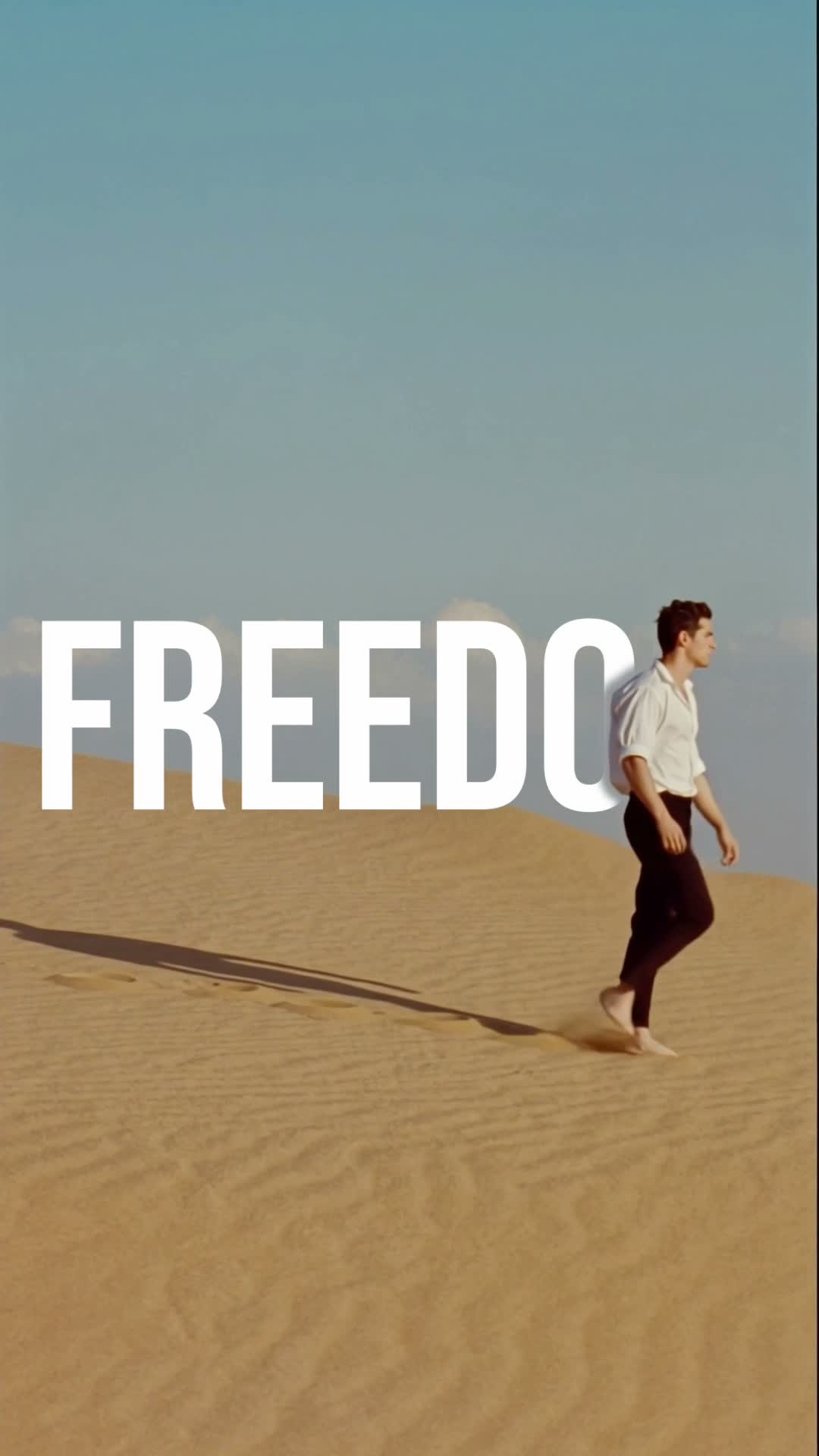
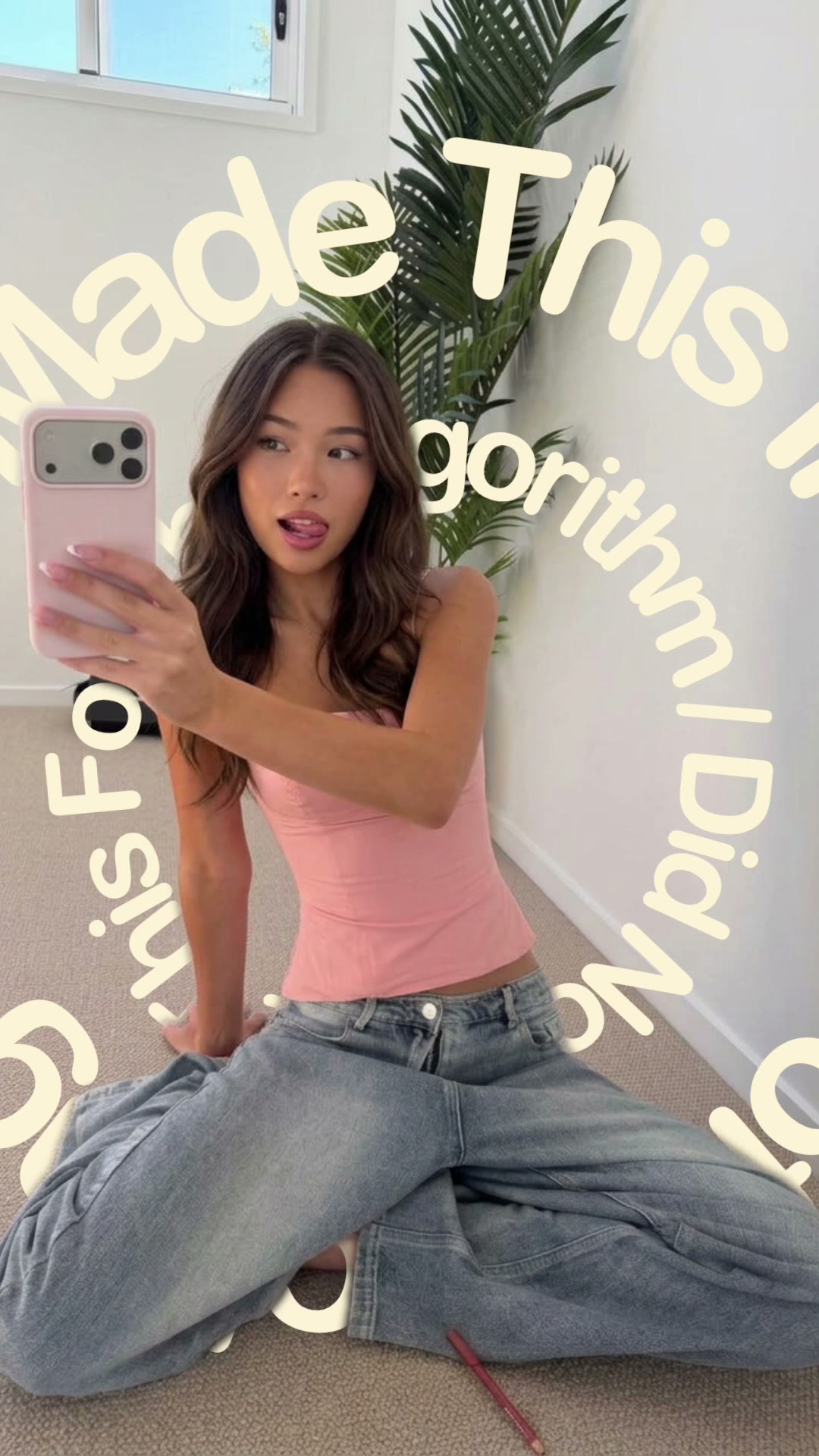
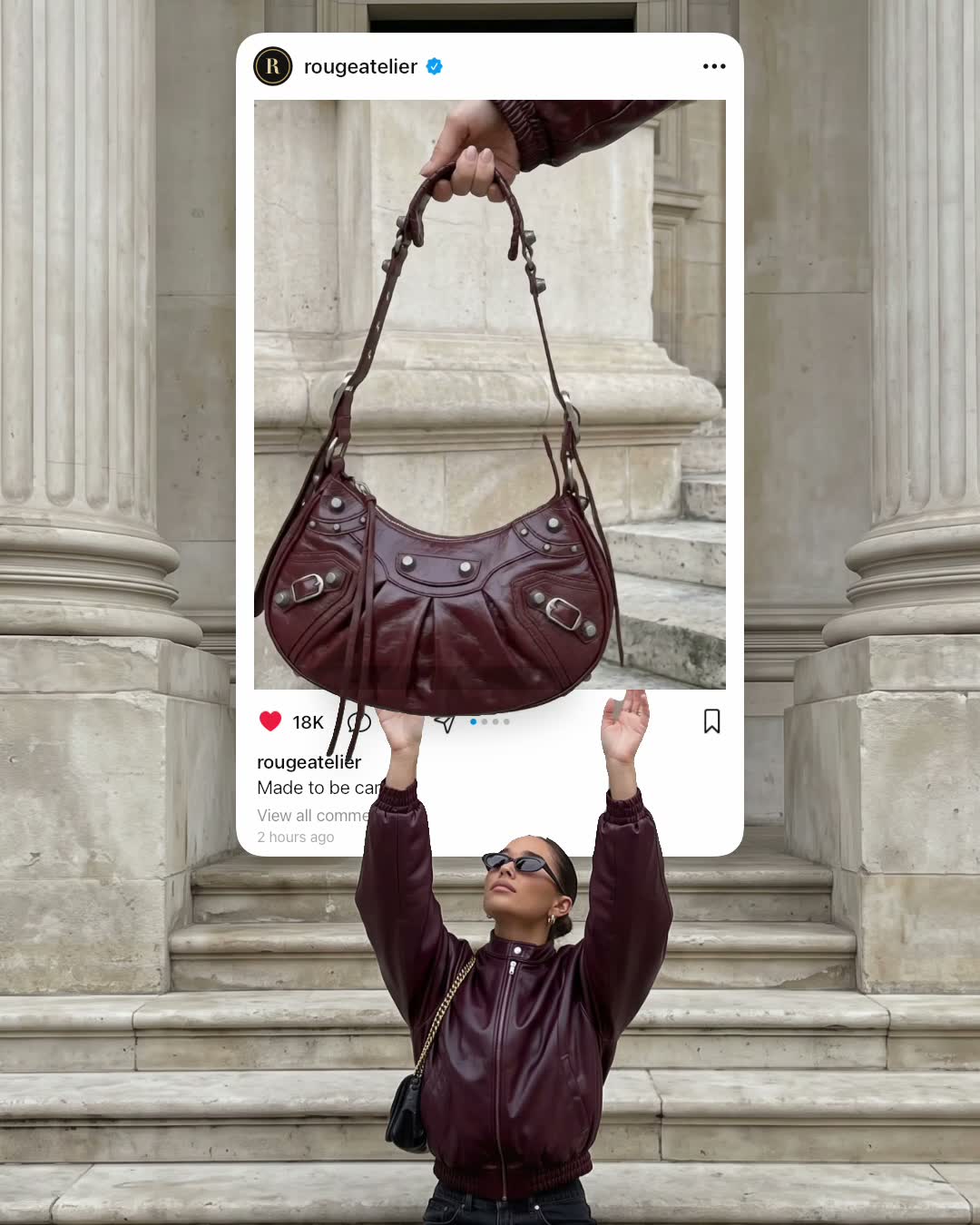
One photo, two lines, five seconds of colour. Pick a picture you love and give it a motto. For more text-led looks, try Walk-by text or Text spinner, or play with the frame in Out of the post, and find every new template on the mangoroad blog.