How to make a text spinner video

mangoroad team
5 min read
Key takeaways
- Text spinner spins two rings of words behind you while you stay in front, so the type wraps around you.
- It takes one full-length photo or clip of you, and you can make it 5, 10 or 15 seconds long.
- Choose the sound in Music: a built-in future bass drop, or one of a few chart songs that you add on Instagram when you post.
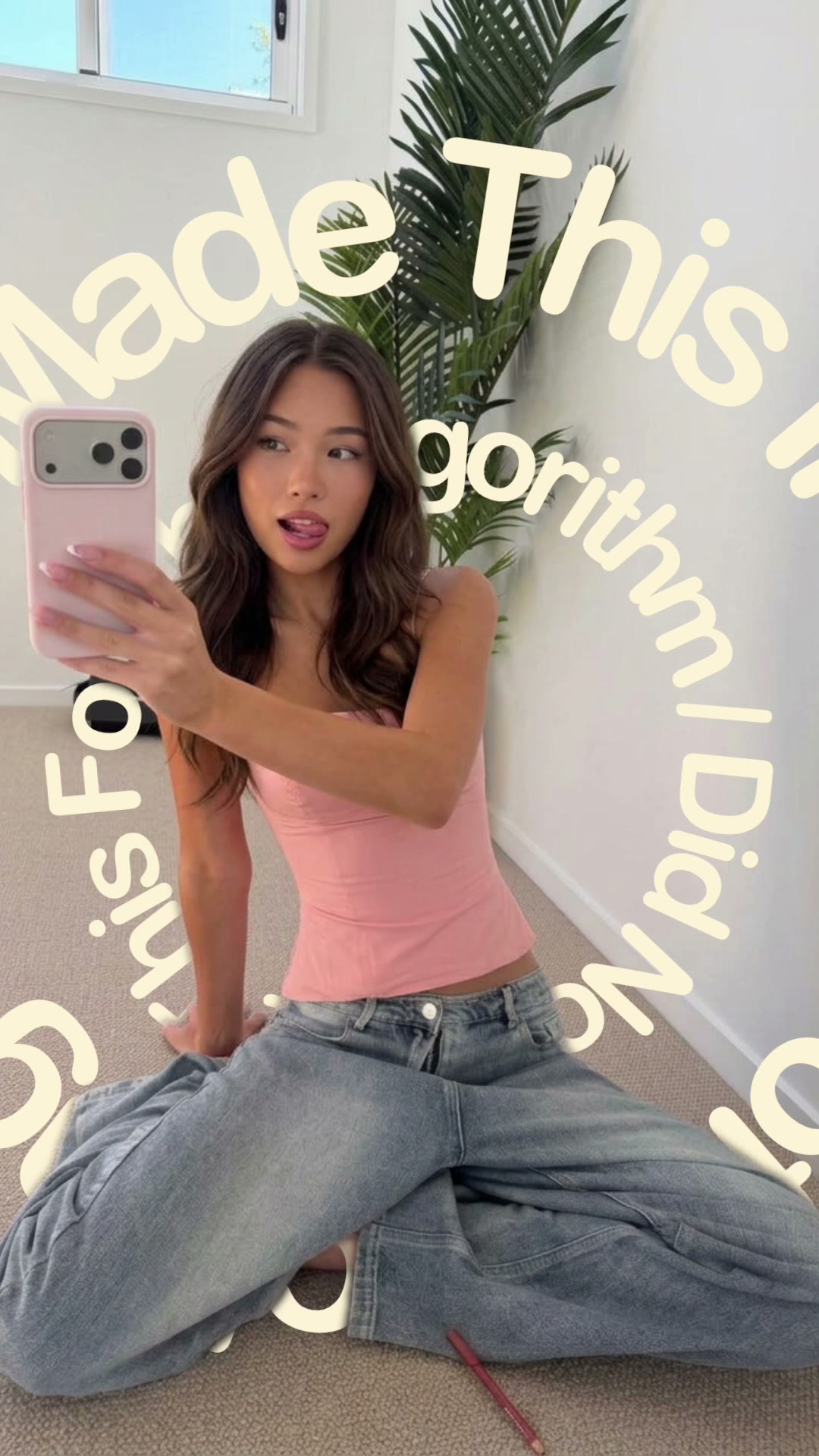
A spinning text video effect wraps words around you: two rings of type turn behind you while you stay in front, so it looks as if you're standing inside a moving sign. The Text spinner template in mangoroad makes it from a single full-length photo or clip.
It's hypnotic, simple to set up and adjustable in length, which makes it easy to fit into whatever you're posting on TikTok, Instagram Reels or YouTube Shorts. Here's how to make it in mangoroad, and how to get more people watching once it's up.
What the Text spinner template is
The finished video is vertical, and you choose how long it is: 5, 10 or 15 seconds. Two rings of words spin around you, passing behind you so you stay in front of the type the whole time. The words are part of the template's design, so all you need to bring is yourself.
You also choose the sound. Future Bass Drop is built into the exported video. Or pick one of a few chart songs, including Till I'm Gone by Tinie Tempah featuring Wiz Khalifa, Ferrari by James Hype and Miggy Dela Rosa, Holiday by Confidence Man and Nicole Kidman by ADÉLA. Those play in the preview and are added on Instagram when you post.
Who it's for
- Anyone who wants a striking video from one photo, without filming anything new.
- Creators looking for a bold intro or a loop to post between longer videos.
- People who like to pick their own soundtrack. Text spinner offers more choice than most.
- Anyone who'd rather not learn editing software. The cut-out, the rings and the timing are done for you.
How to make it in mangoroad (step by step)
Step 1: Open mangoroad and pick Text spinner
Find Text spinner in Discover and watch the preview. When you're ready, tap Use template.
Step 2: Choose your photo or clip
Text spinner needs one full-length photo or clip of you. What works best:
- Full length. Head to toe in the frame, so the rings can pass behind your whole body.
- In the middle. Leave space on either side for the words to travel.
- A contrasting background. It helps the app keep you cleanly in front of the type.
- Photo or video. A still pose looks graphic; a clip with a little movement feels more alive.
Step 3: Choose the sound and length
Open Music to choose your sound. Pick Future Bass Drop if you want the music in the video itself, ready to post anywhere. Pick a chart song if you're posting to Instagram and want a track people recognise. Then open Length to choose 5, 10 or 15 seconds.
Step 4: Preview and tweak
mangoroad shows you the finished video straight away. If you're too close to an edge, reframe in Adjust; if the cut-out isn't clean, try a different photo or clip in Clips. The preview updates each time.
Step 5: Export to Photos and post
Tap Export. The video is saved to Photos and kept in Projects in the app. If you chose a chart song, follow Add music: the app opens Instagram so you can add it at the right point.
How to get more people watching
Moving type is eye-catching on its own. A few ways to build on it:
Hook them in the first second
The rings are already moving when the video starts, so pair them with a caption that gives people a reason to stay:
- “Watch the words, not me.”
- “One photo, no editing skills.”
- “Me when the beat drops.”
Turn it into a series
Because it only needs one photo, Text spinner is easy to repeat: a new outfit each week, a different location on a trip, or your best photo of the month. Keep the same sound so the series feels connected.
Use trends without copying them
When a song is trending, check whether it's one of the chart songs on offer, and pair it with your own photo. If it isn't, use Future Bass Drop and let the caption make the connection.
Post it on TikTok, Reels and Shorts
The export is vertical 9:16, so the same file fits all three. A few things to check:
- Sound. Future Bass Drop is already in the video. Chart songs are added on Instagram; on TikTok or Shorts, pick a sound in the app.
- Length. Five seconds loops quickly; fifteen gives people more to watch. Try both and see what your audience prefers.
- Cover frame. Pick a moment where the words are clearly readable behind you.
Keep the conversation going
Ask people which song you should use next time, from the ones on offer. Using their pick gives them a reason to come back for it.
Example captions and hashtags
Copy these as they are or use them as a starting point:
For a creator
One photo, two rings of words, zero editing skills. Which song should I use next?
#textspinner #kinetictypography #creativeedit #reels #iphonevideo
For an outfit
Spinning into the weekend in my favourite jacket.
#ootd #weekendvibes #textspinner #outfitinspo #motiondesign
Just for fun
Me when the beat drops and I'm in the kitchen.
#mood #beatdrop #funnyreels #textspinner #relatable
Swap in tags that describe your own video. A few specific ones say more about it than a long list of generic ones.
FAQ
- Is the Text spinner template free to use in mangoroad?
- mangoroad isn't on the App Store yet. Making videos with its templates, Text spinner included, needs full access in the app, and the app shows you the options before you pay for anything. Get early access on this page and we'll email you when it's ready.
- What photos or clips work best for a spinning text video?
- One full-length photo or clip of you, standing roughly in the middle of the frame with space on either side for the rings to pass behind you. A background that contrasts with you helps the app keep you cleanly in front of the words.
- Can I post a spinning text video to TikTok, Reels and Shorts?
- Yes. It exports to your Photos as a vertical 9:16 video. With the built-in Future Bass Drop, the sound is already in the video. With a chart song, you add the music on Instagram; on TikTok or Shorts, pick a sound in the app.
- How long should a spinning text video be?
- You choose: 5, 10 or 15 seconds. Five is a quick loop, fifteen gives the rings time to build. If you're unsure, ten is a good middle ground.
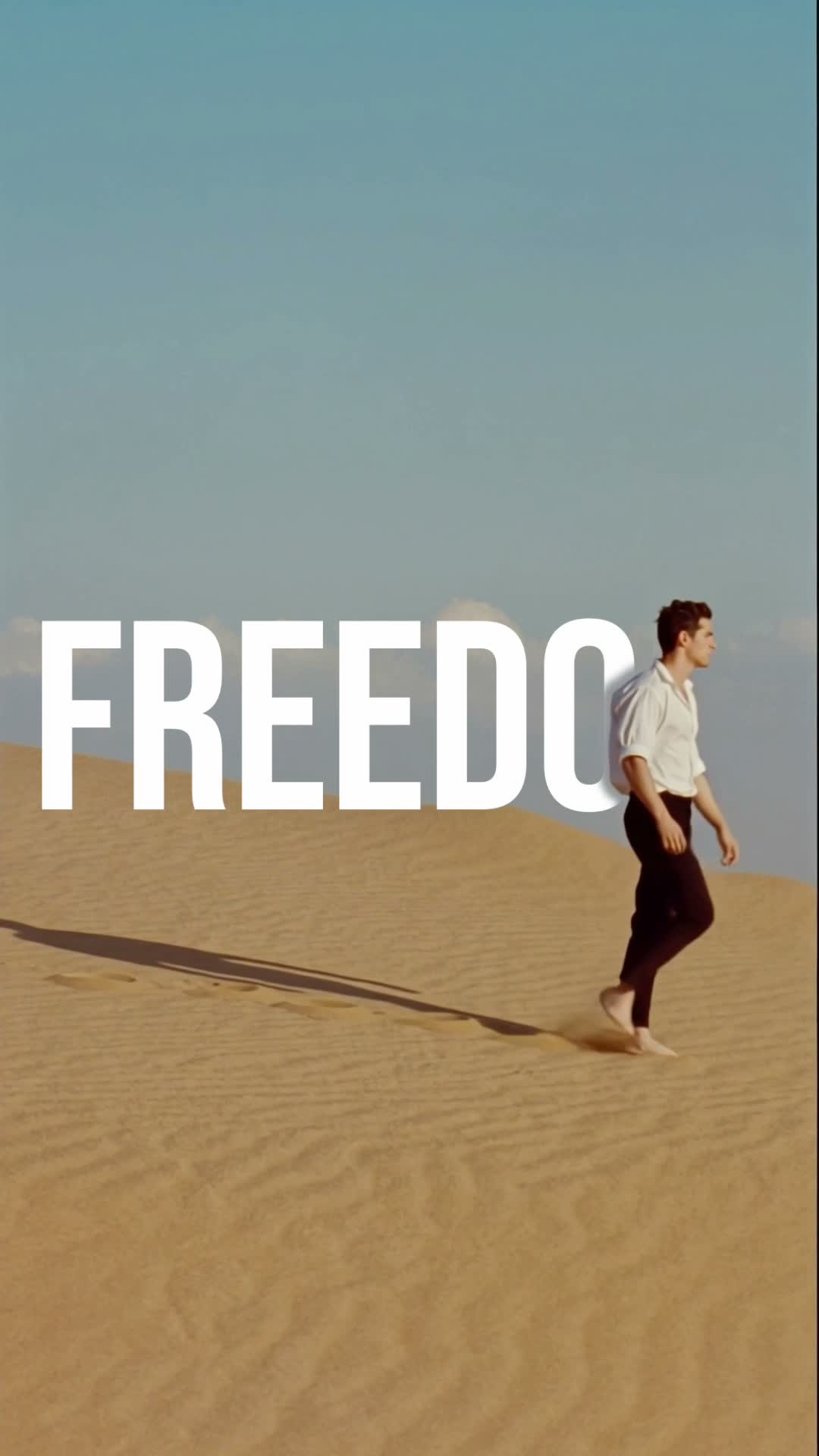
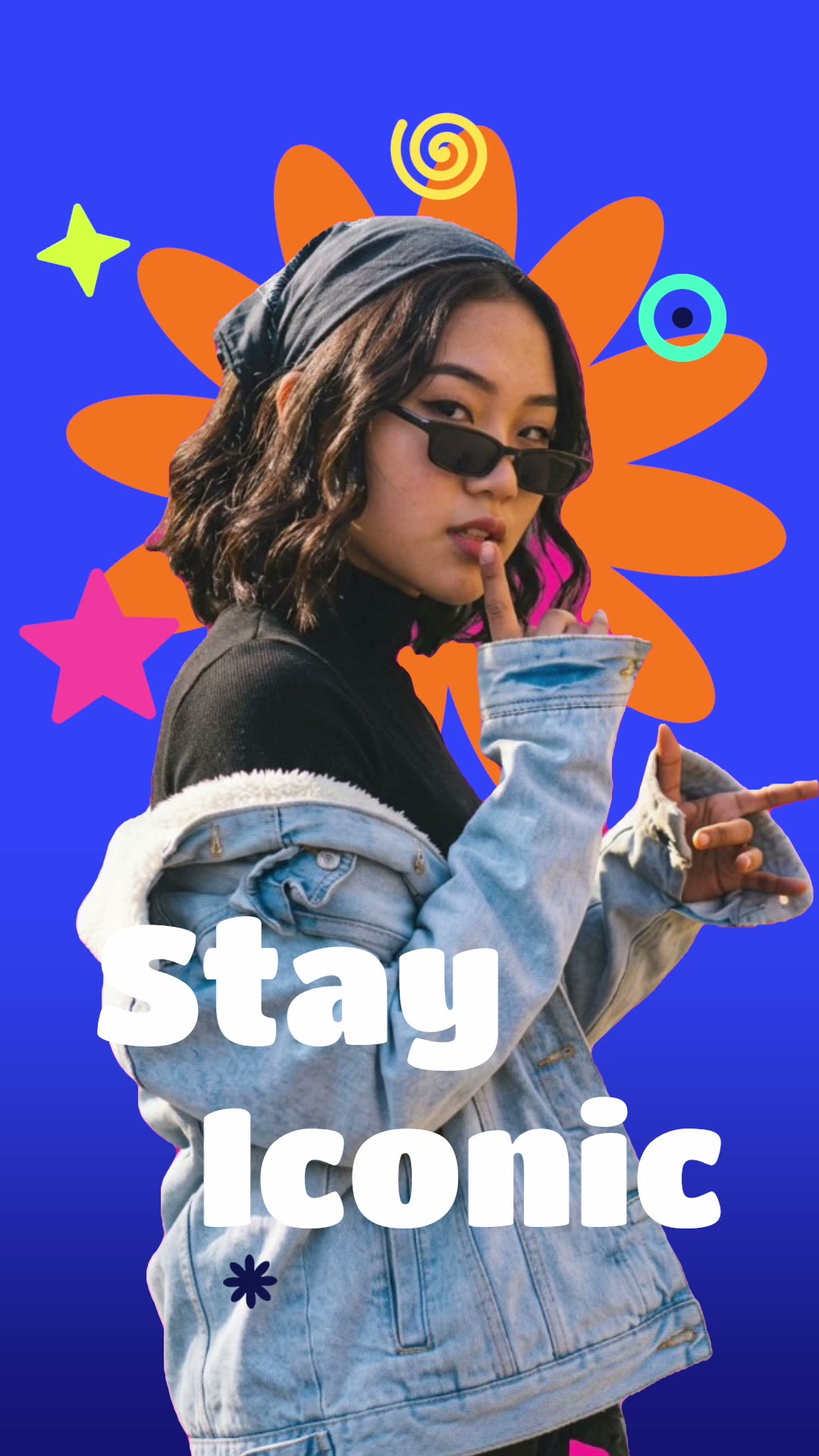
One photo or clip, two rings of words, up to 15 seconds. Pick a full-length shot and choose your sound. For more text-led looks, try Walk-by text or Stay iconic, or something hand-drawn with Doodle pop, and find every new template on the mangoroad blog.