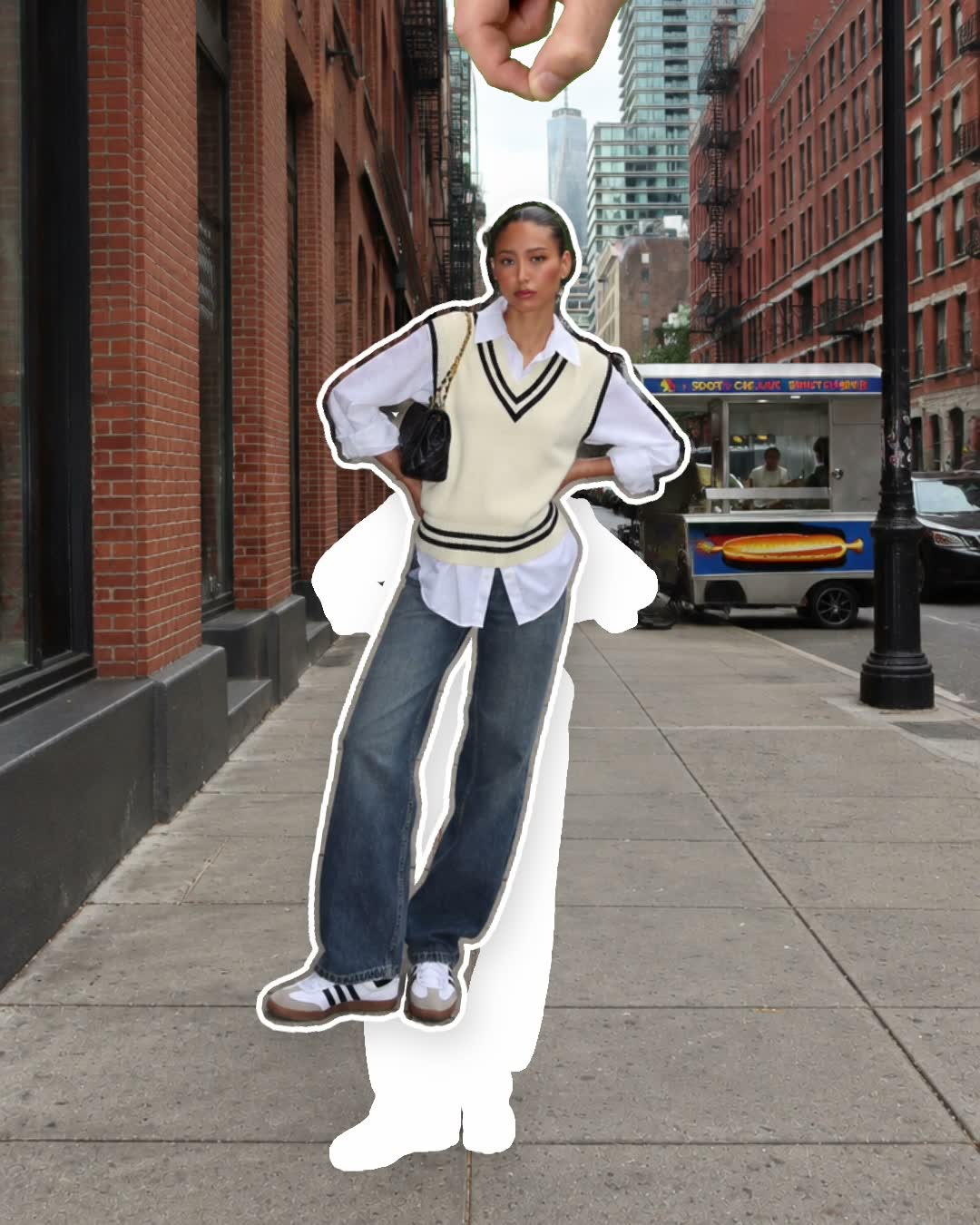
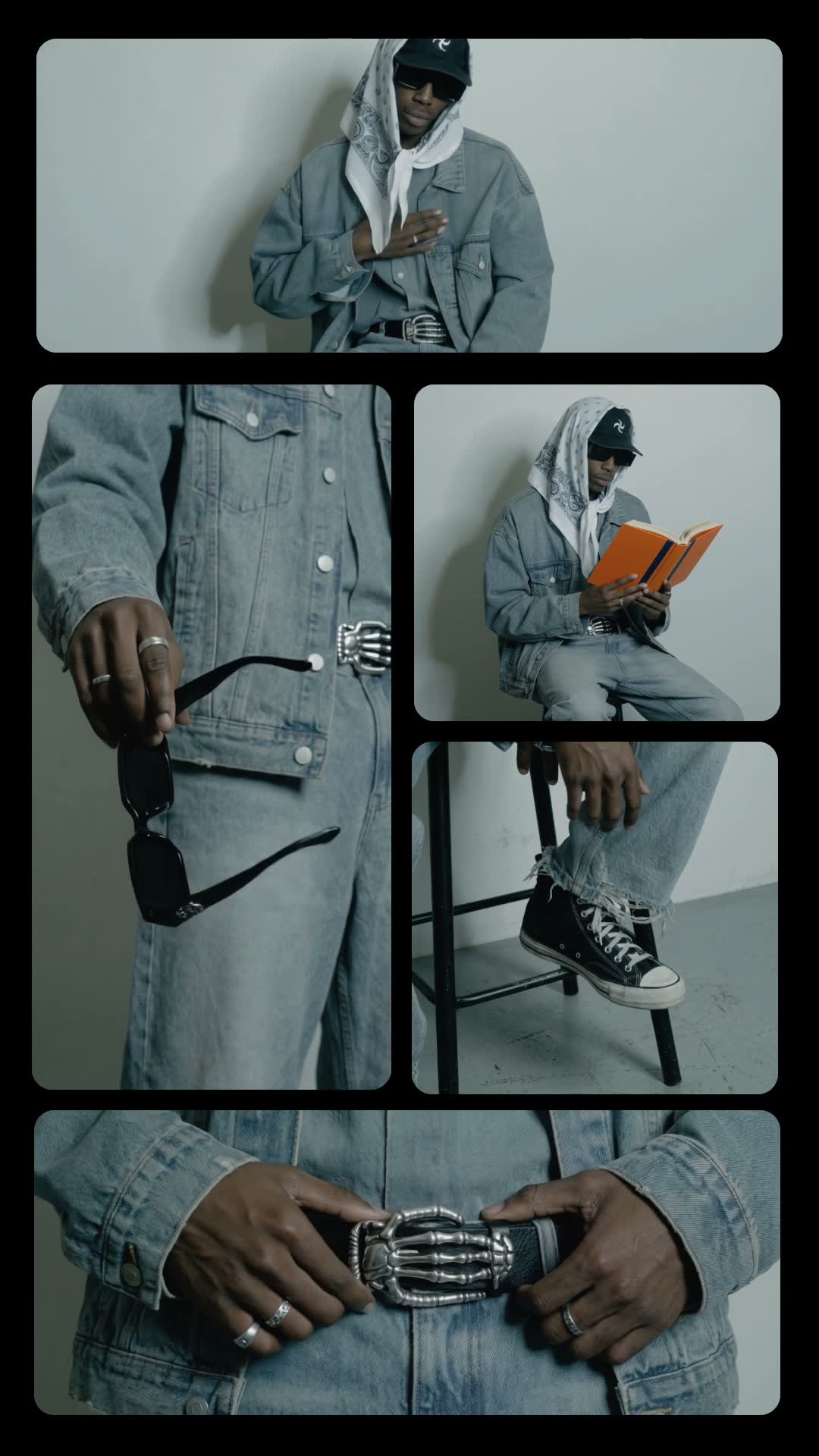
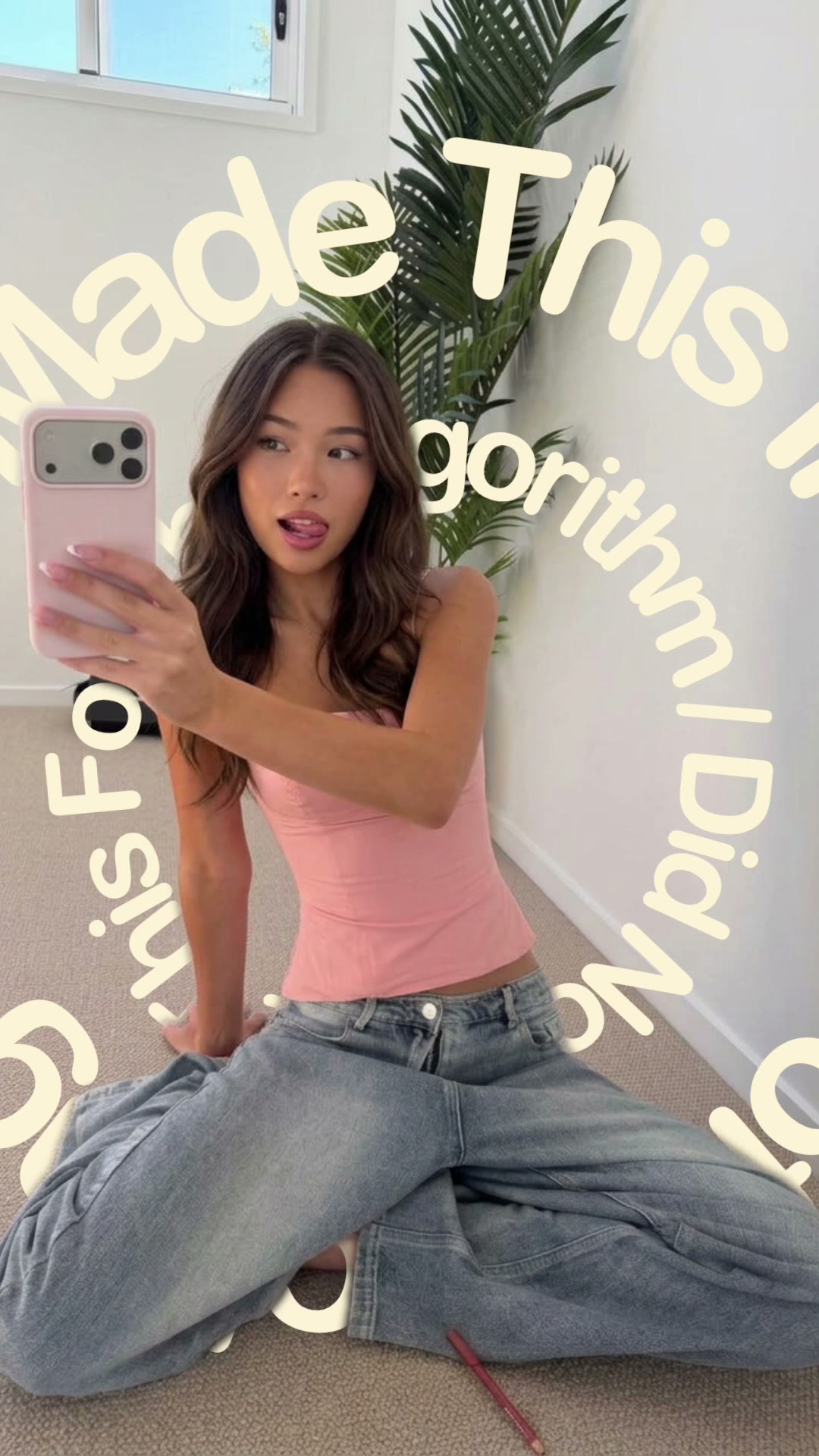
How to make a doodle pop video

mangoroad team
5 min read
Key takeaways
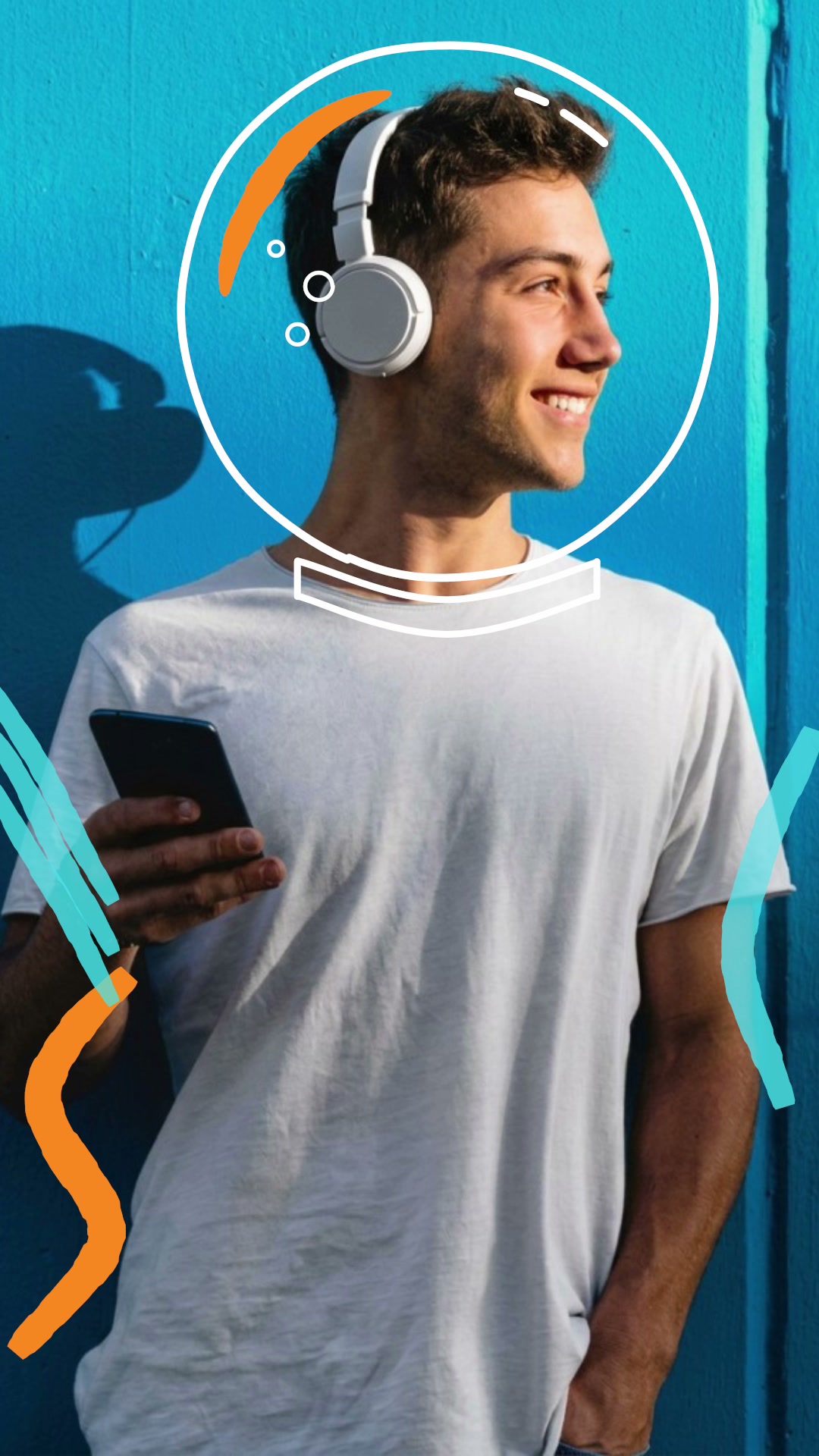
- Doodle pop draws hand-drawn doodles around you, scene after scene, cut to the beat: outlines, arrows, a speech bubble, sound waves and an astronaut helmet.
- All it needs is one photo of you, waist up.
- It's cut to Ferrari by James Hype and Miggy Dela Rosa, which you add on Instagram from 0:53 when you post.
A doodle animation video looks as if someone has been drawing on your photo with a marker, one scene at a time, to the beat. The Doodle pop template in mangoroad pops hand-drawn outlines, arrows, a speech bubble, sound waves and even an astronaut helmet on around you, all from a single photo.
It's playful and full of personality, which makes it a fun one to post and an easy one to watch. Here's what it looks like, how to make it in mangoroad, and how to get more people watching on TikTok, Instagram Reels and YouTube Shorts.
What the Doodle pop template is
The finished video is vertical and just under ten seconds long. Your photo stays put while the doodles change scene by scene on the beat: outlines around you, arrows, a speech bubble, sound waves and an astronaut helmet. It feels like a sketchbook come to life.
It's cut to Ferrari by James Hype and Miggy Dela Rosa. The song isn't baked into the video: the preview plays it so you can see the timing, and you add it on Instagram from 0:53 when you post.
Who it's for
- Anyone who likes to have fun with their photos and doesn't take posting too seriously.
- Creators with a playful style who want something that matches their personality.
- People introducing themselves to new followers with a bit of character.
- Anyone who'd rather not learn editing software. The tracing, timing and drawings are done for you.
How to make it in mangoroad (step by step)
Step 1: Open mangoroad and pick Doodle pop
Find Doodle pop in Discover and watch the preview. When you're ready, tap Use template.
Step 2: Choose your photo
Doodle pop needs one photo of you from the waist up. What makes a good one:
- Some space around you. The doodles need room to appear on either side and above your head.
- A clear outline. A background that contrasts with you helps the doodles follow your shape.
- A fun pose. Pointing, laughing or a surprised face gives the doodles something to play off.
Step 3: Check the song
Doodle pop doesn't have text to change; the drawings are the whole show. The preview plays Ferrari so you can see each scene land on the beat, and the app reminds you that the song is added on Instagram.
Step 4: Preview and tweak
mangoroad shows you the finished video straight away. If the doodles feel cramped or don't sit well around you, swap your photo in Clips for one with more space.
Step 5: Export and add the music
Tap Export. The video is saved to Photos and kept in Projects in the app. Then follow Add music: the app opens Instagram so you can add Ferrari from 0:53, where the edit is timed to start.
How to get more people watching
Playful videos are easy to like. A few ways to get people to stay and come back:
Hook them in the first second
The first doodle appears quickly, so your caption can set up the joke:
- “Me explaining my weekend plans.”
- “Main character, but make it a cartoon.”
- “Wait for the helmet.”
Turn it into a series
Make one with every friend, every member of the family or every pet who'll sit still for a photo. The same doodles on different people becomes a set that's fun to scroll through.
Use trends without copying them
When a meme or a sound is going round, think about which photo of you would fit it, then let the doodles add the punchline. It's your version, not a remake.
Post it on TikTok, Reels and Shorts
The export is vertical 9:16, so the same file fits all three. A few things to check:
- Music. On Instagram, add Ferrari from 0:53. On TikTok or Shorts, search for the same track in the sound library, or pick another upbeat one.
- Cover frame. Pick the astronaut helmet or the speech bubble: they read well as a thumbnail.
- Caption. A short, funny line works better than a long one.
Keep the conversation going
Ask people to tag the friend who should be doodled next. If they send a photo and say yes, make it: it's their reason to share it too.
Example captions and hashtags
Copy these as they are or use them as a starting point:
For a creator
Hi, I'm new here. This is basically my personality.
#doodle #doodleart #introduction #creativeedit #reels
For friends
Doodled the whole group, one at a time. Who's next?
#friends #doodle #bestfriends #funnyreels #doodleanimation
Just for fun
Me, explaining my weekend plans in great detail.
#mood #relatable #doodle #weekendplans #funnyvideos
Swap in tags that describe your own video. A few specific ones say more about it than a long list of generic ones.
FAQ
- Is the Doodle pop template free to use in mangoroad?
- mangoroad isn't on the App Store yet. Making videos with its templates, Doodle pop included, needs full access in the app, and the app shows you the options before you pay for anything. Get early access on this page and we'll email you when it's ready.
- What photos work best for a doodle animation video?
- One photo of you from the waist up, with some space around you for the doodles and a background that contrasts with you so the outlines follow your shape cleanly. A fun pose or expression gives the doodles something to play off.
- Can I post a doodle animation video to TikTok, Reels and Shorts?
- Yes. It exports as a vertical 9:16 video to your Photos. The song is added on Instagram; on TikTok or Shorts, search the app's sound library for the same track or choose another upbeat one.
- How long should a doodle animation video be?
- The template makes a video of just under ten seconds, long enough for several scenes of doodles and short enough to rewatch.
One photo, a page of doodles, just under ten seconds. Pick a picture with a bit of character and let the marker do the rest. For more playful templates, try Peel sticker or Text spinner, or a beat-led outfit edit with Grid of gestures, and find every new template on the mangoroad blog.