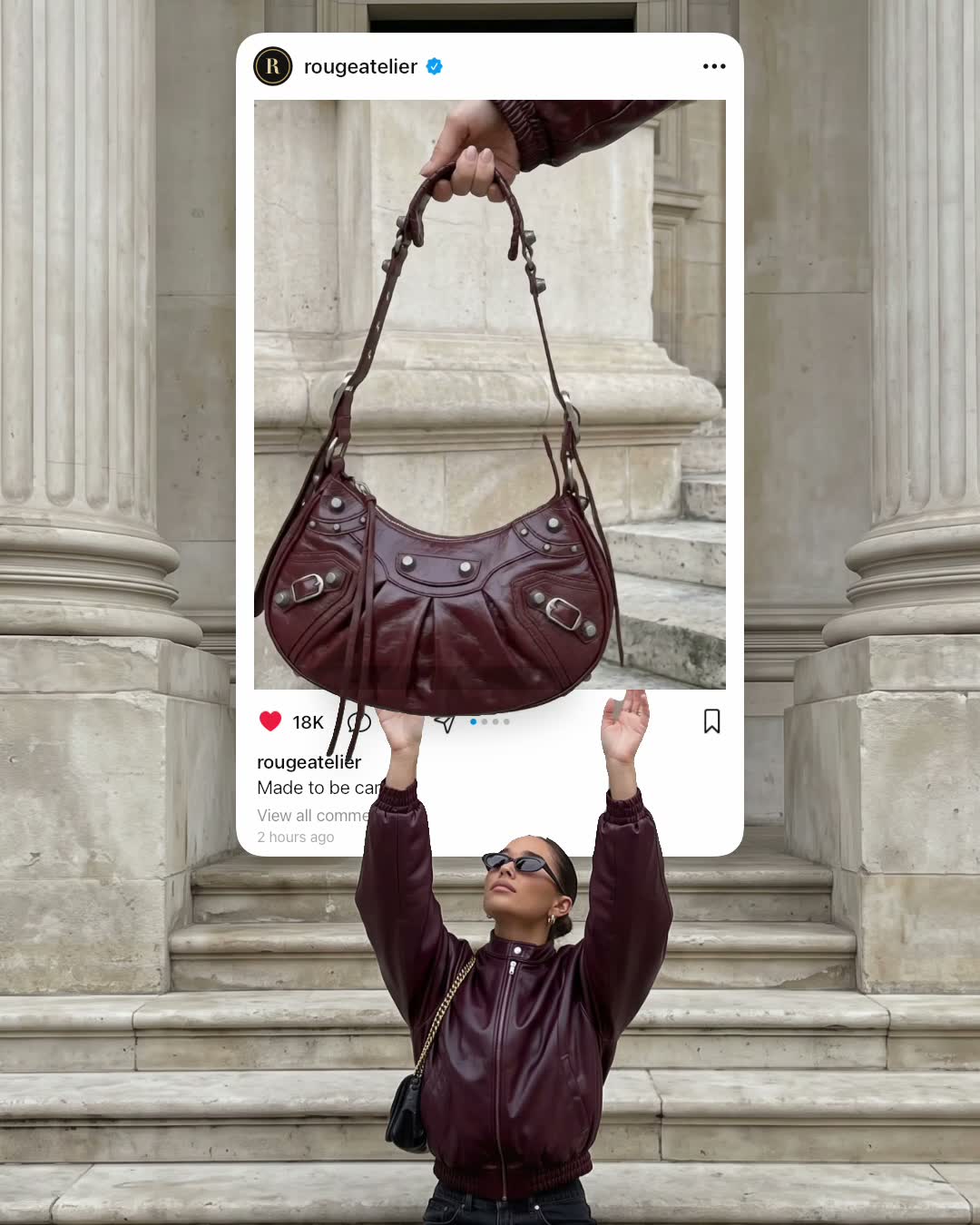
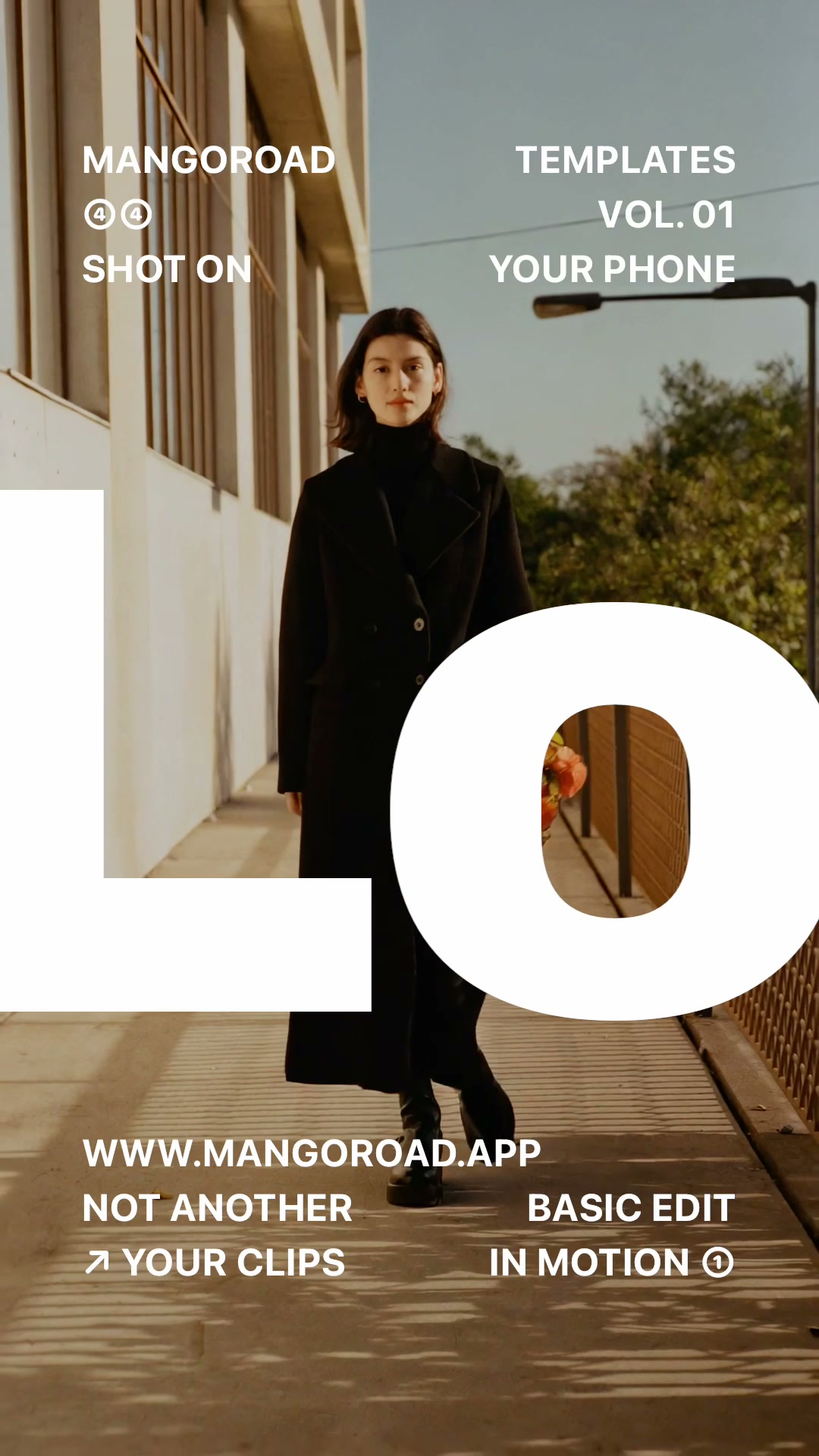
How to make a peel sticker video

mangoroad team
5 min read
Key takeaways
- Peel sticker turns one photo of you into a die-cut sticker that a hand peels out of the shot, leaving a white hole behind.
- All it needs is one photo: full body or waist up, standing still, with space around you.
- It exports a six-second 4:5 video, the shape of an Instagram feed post.
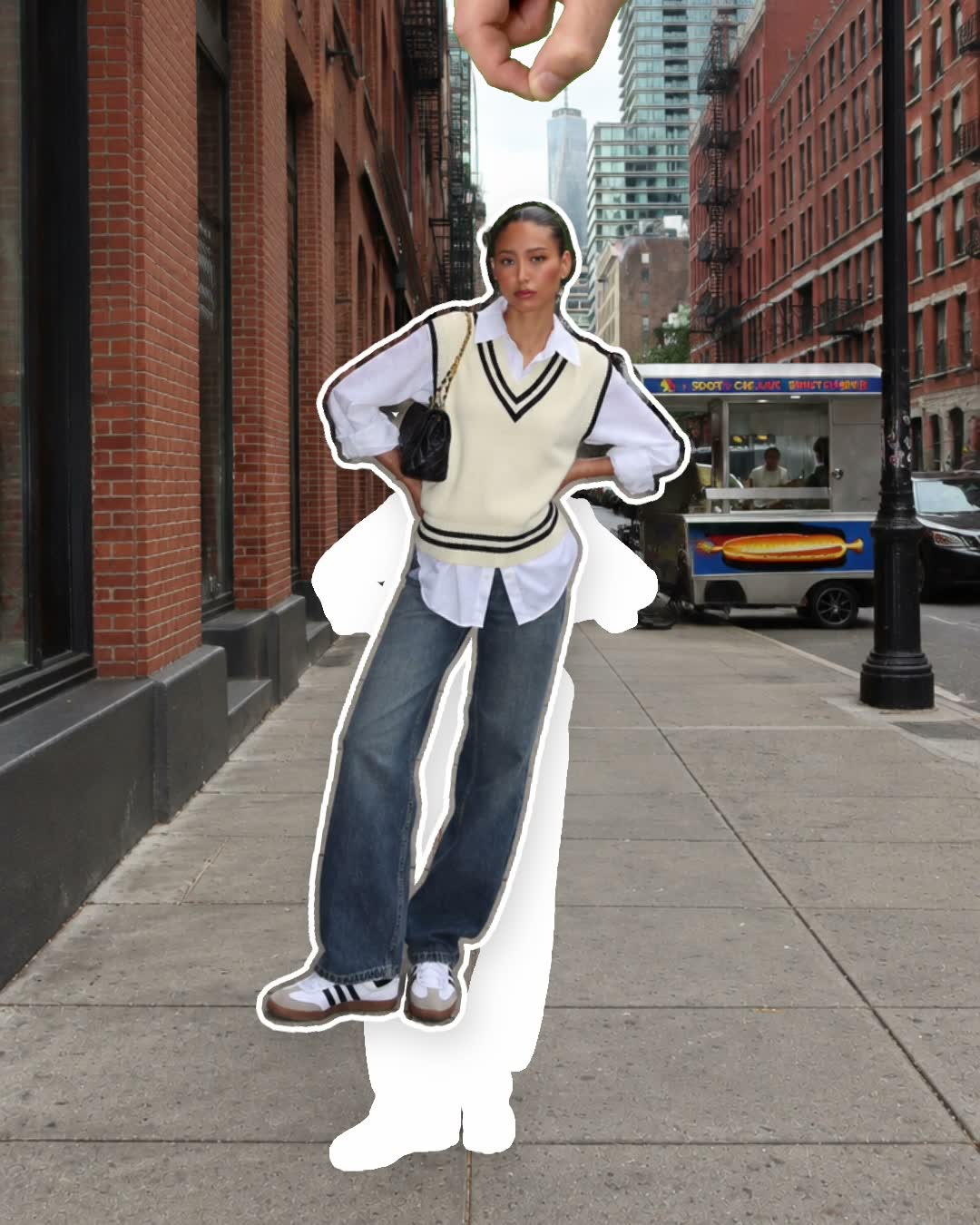
A peel sticker effect video makes it look as if you were never really in the photo at all: a hand reaches in, catches the edge of you and peels you off like a die-cut sticker, leaving a clean white hole where you stood. The Peel sticker template in mangoroad makes it from a single photo.
It's playful, a little surprising and over in six seconds, which is exactly what makes people watch it twice. Here's how to choose the right photo, how to make it in mangoroad, and how to get more people watching once it's posted.
What the Peel sticker template is
The video starts on your photo as normal. Then a hand comes into the frame and peels you away from the background, with a white border around you like a real die-cut sticker. Where you stood, a white hole is left behind, so the scene suddenly looks like a page with a sticker missing.
It's made in 4:5, the shape of an Instagram feed post, so it sits neatly among your photos on your profile. You can post it to TikTok, Reels and Shorts too, where it shows with a little space above and below.
Who it's for
- Anyone with a photo they love who wants to give it a second life as something that moves.
- Instagram feed posters who want a video that matches the shape of their photos.
- People who like a visual joke. The peel works especially well on a very posed or very serious photo.
- Anyone who'd rather not learn editing software. The cut-out, the hand and the peel are done for you.
How to make it in mangoroad (step by step)
Step 1: Open mangoroad and pick Peel sticker
Find Peel sticker in Discover and watch the preview. When you're ready, tap Use template.
Step 2: Choose your photo
Peel sticker needs one photo of you standing clearly in the shot. What makes a good one:
- Full body or waist up. Either works, as long as all of you that's in shot is clear.
- Standing still. A relaxed, steady pose gives a crisp outline. Avoid motion blur.
- Space around you. Leave room on each side so the hand and the peel have space to work.
- A background that contrasts with you. A plain wall, sky or street helps the app separate you cleanly.
Step 3: Let the template do the peel
There's nothing else to set up: the hand, the white sticker border and the hole are all part of the template. Peel sticker doesn't come with a song, so add a sound when you post if you'd like one.
Step 4: Preview and tweak
mangoroad shows you the finished video straight away. If you're too close to the edge of the frame or the peel feels cramped, reframe your photo in Adjust. If the outline isn't clean, try a different photo with a simpler background.
Step 5: Export to Photos and post
Tap Export. The video is saved to Photos and kept in Projects in the app, ready to post to Instagram or share anywhere else.
How to get more people watching
The peel is the surprise, so everything else is about setting it up. A few ideas:
Hook them in the first second
For the first moment, the video looks like an ordinary photo, so your caption has to make people wait for the peel. Lines that hint something's coming work well:
- “Wait for it.”
- “Me leaving the group chat.”
- “Peeling myself out of this week.”
Turn it into a series
Peel yourself out of a different place each time: every city on a trip, every stop on a day out, every photo from a year you're ready to move on from. A row of white holes on your profile becomes its own little joke.
Use trends without copying them
When a meme format is going round, think about what “peeling yourself out” could mean in it: leaving a situation, escaping a Monday, stepping out of a photo you didn't want to be in. Your photo and your caption make it yours.
Post it on TikTok, Reels and Shorts
Peel sticker is built for the Instagram feed. Worth knowing for each platform:
- Instagram feed. The 4:5 shape fills the post and sits neatly with your photos.
- TikTok, Reels and Shorts. These fill the screen in 9:16, so the video shows with space above and below. It still works; it just doesn't fill the screen.
- Cover frame. Pick the moment after the peel, with the white hole showing, so the joke reads on your grid.
Keep the conversation going
Ask people where you should peel yourself out of next, then make the most fun suggestion. It gives the person who suggested it a reason to come back, and gives you your next post.
Example captions and hashtags
Copy these as they are or use them as a starting point:
For a creator
Peeling myself out of this one. Where should I disappear from next?
#peelsticker #stickereffect #creativeedit #instagramreels #iphonevideo
For a trip
Rome, you were lovely, but I've got a flight to catch.
#rome #travelgram #cityphotography #peelsticker #traveldiary
Just for fun
Me, leaving the group chat after one message.
#relatable #mood #funnyreels #peelsticker #stickereffect
Swap in tags that describe your own video. A few specific ones say more about it than a long list of generic ones.
FAQ
- Is the Peel sticker template free to use in mangoroad?
- mangoroad isn't on the App Store yet. Making videos with its templates, Peel sticker included, needs full access in the app, and the app shows you the options before you pay for anything. Get early access on this page and we'll email you when it's ready.
- What photos work best for a peel sticker video?
- One photo of you standing still, full body or waist up, with clear space around you and a background that's easy to tell apart from you. A simple pose with your arms slightly away from your body gives the sticker a clean outline.
- Can I post a peel sticker video to TikTok, Reels and Shorts?
- Yes, but it's made in 4:5, the shape of an Instagram feed post. TikTok, Reels and Shorts fill the screen in 9:16, so there it shows with space above and below. It looks its best as an Instagram post.
- How long should a peel sticker video be?
- The template makes a six-second video: long enough for the peel to land, short enough that people watch it again.
One photo, one peel, six seconds. Pick a picture where you stand out clearly and let the hand do the rest. For more effects that play with the frame, try Out of the post or Look different, or something hand-drawn with Doodle pop, and find every new template on the mangoroad blog.