How to make a stillness of movement video

mangoroad team
6 min read
Key takeaways
- Stillness of movement freezes you mid-leap while the street carries on moving around you.
- It takes a photo of you jumping and eight seconds of video of the same spot, filmed from exactly where the photo was taken.
- You can change its title line, and it exports an eight-second 4:5 video for the Instagram feed.
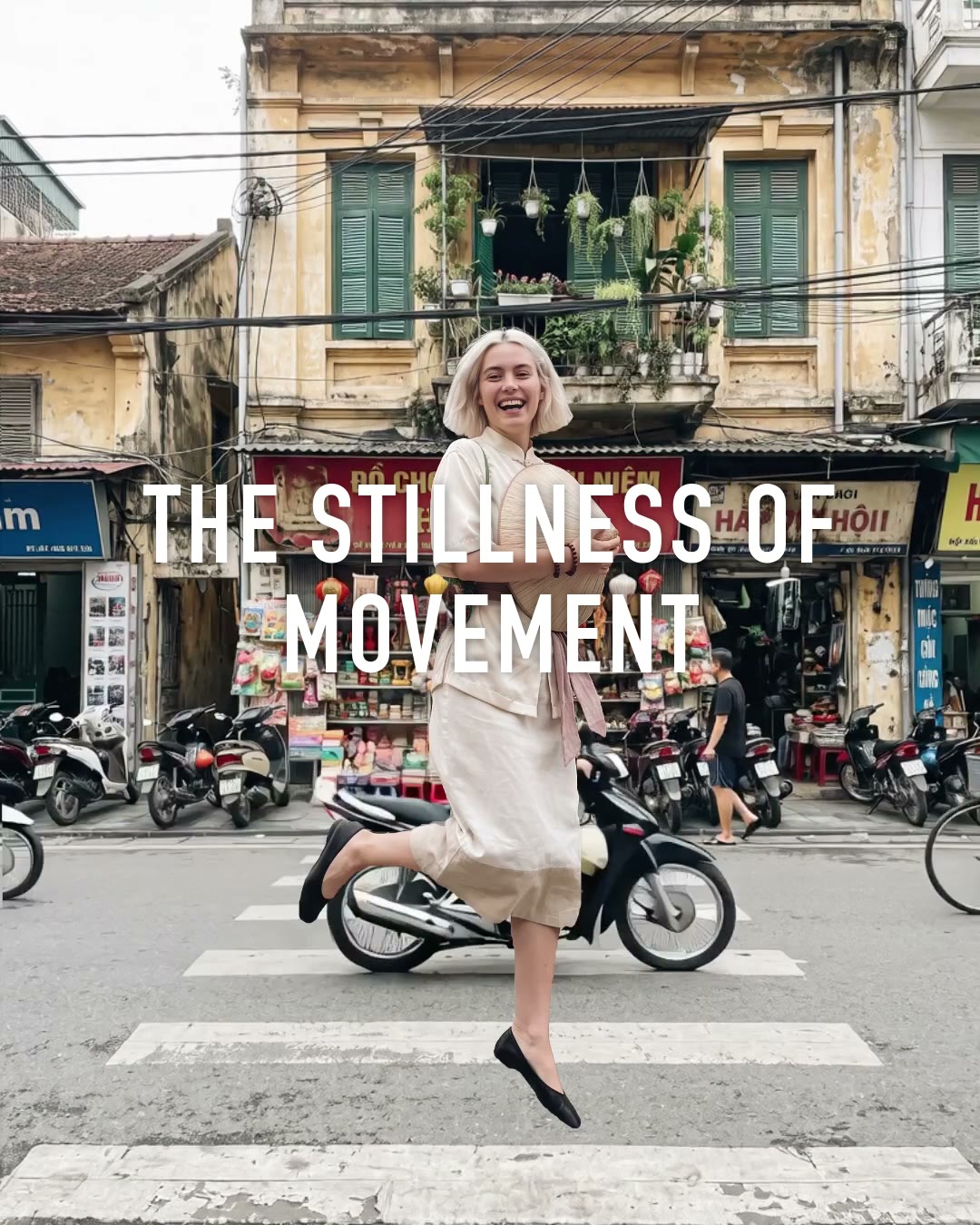
A freeze frame jump video catches you in the air and keeps you there, while everything around you carries on as normal: people walking past, cars going by, leaves moving. The Stillness of movement template in mangoroad builds it from one photo of you leaping and a few seconds of the same street.
It's quiet, cinematic and slightly impossible-looking, which is what makes people stop. Here's how to shoot the two pieces, how to make it in mangoroad, and how to get more people watching once it's posted.
What the Stillness of movement template is
You hang in mid-air, perfectly still, in the middle of a moving scene. The street behind and around you plays as normal video, so the only thing that isn't moving is you. A title line sits over the top, reading “The stillness of movement” to begin with, and you can rewrite it.
The finished video is eight seconds long and made in 4:5, the shape of an Instagram feed post, where its calm, editorial look fits right in. You can share it on TikTok, Reels and Shorts too.
Who it's for
- Anyone who likes a cinematic, considered feed more than fast cuts and loud edits.
- Travellers and city walkers who want something more memorable than another street photo.
- Dancers, runners and anyone sporty with a good jump in them.
- Anyone who'd rather not learn editing software. Cutting you out and layering you over the moving street is done for you.
How to make it in mangoroad (step by step)
Step 1: Open mangoroad and pick Stillness of movement
Find Stillness of movement in Discover and watch the preview. When you're ready, tap Use template.
Step 2: Take the leap photo
Set your phone up somewhere steady, ideally on a tripod or a wall, and take a photo of yourself jumping mid-stride with your arms loose. Burst mode or a timer helps you catch the top of the jump. A sharp, well-lit photo makes the freeze look deliberate rather than blurry.
Step 3: Film eight seconds of the same spot
This is the step that makes or breaks the effect:
- Don't move the phone. Film from exactly where the photo was taken, with exactly the same framing.
- Step out of the shot. Nobody should be standing where you were.
- Pick a moving scene. People, traffic, trees or water give the contrast that makes you look frozen.
- Film a full eight seconds. That's how long the finished video runs.
Step 4: Change the title
Open Text to rewrite the title line. Keep it short and a little poetic: the name of the place, a feeling, or a line that plays on the stillness, like “Hold that thought”. Stillness of movement doesn't come with a song, so add a sound when you post if you'd like one.
Step 5: Preview, export and post
mangoroad shows you the finished video straight away. If the street looks shifted against you, the phone probably moved between the photo and the video, so film the place again and swap it in Clips. When you're happy, tap Export: the video is saved to Photos and kept in Projects.
How to get more people watching
The effect is subtle, so give people a reason to look closely. A few ideas:
Hook them in the first second
The first frame already looks unusual, with you hanging in the air. A caption that points at the stillness helps people notice what's going on:
- “Everyone kept moving. I didn't.”
- “Watch the street, not me.”
- “Some moments you want to stay in.”
Turn it into a series
Freeze yourself in a different place each time: a new city, a different corner of your own, the same spot in every season. Keep the same style of title line, and your profile becomes a set of quiet, connected moments.
Use trends without copying them
When a place or a moment is having its turn on everyone's feed, a festival, a first snowfall, a busy market, film your version of it with you frozen in the middle. It's a calmer take that stands out among the fast edits.
Post it on TikTok, Reels and Shorts
Stillness of movement is built for the Instagram feed. Worth knowing for each platform:
- Instagram feed. The 4:5 shape fills the post and suits a considered, photographic grid.
- TikTok, Reels and Shorts. These fill the screen in 9:16, so the video shows with space above and below.
- Sound. Something calm or atmospheric suits the mood better than a heavy beat.
Keep the conversation going
People often ask how it was done. Answer, or post a short behind-the-scenes of the jump; outtakes of the jumps that didn't make it are fun too.
Example captions and hashtags
Copy these as they are or use them as a starting point:
For a creator
Everyone kept moving. I didn't. Took eleven jumps to get this one.
#freezeframe #cinematic #creativeedit #streetphotography #iphonevideo
For a trip
Paris on a Sunday morning, holding still for once.
#paris #travelreel #cinematic #cityphotography #traveldiary
Just for fun
My knees asked me to stop after attempt six.
#behindthescenes #jumpshot #freezeframe #funnyreels #outtakes
Swap in tags that describe your own video. A few specific ones say more about it than a long list of generic ones.
FAQ
- Is the Stillness of movement template free to use in mangoroad?
- mangoroad isn't on the App Store yet. Making videos with its templates, Stillness of movement included, needs full access in the app, and the app shows you the options before you pay for anything. Get early access on this page and we'll email you when it's ready.
- What photos or clips work best for a freeze frame jump video?
- A sharp photo of you mid-leap, arms loose, and eight seconds of video of the same spot taken from exactly where the photo was taken. A tripod or a phone propped on something solid keeps the framing identical, and a street with people, traffic or trees moving gives the contrast.
- Can I post a freeze frame jump video to TikTok, Reels and Shorts?
- Yes, but it's made in 4:5, the shape of an Instagram feed post. On TikTok, Reels and Shorts, which fill the screen in 9:16, it shows with space above and below.
- How long should a freeze frame jump video be?
- The template makes an eight-second video, which is why it asks for eight seconds of the place. It's long enough for the movement around you to really register.
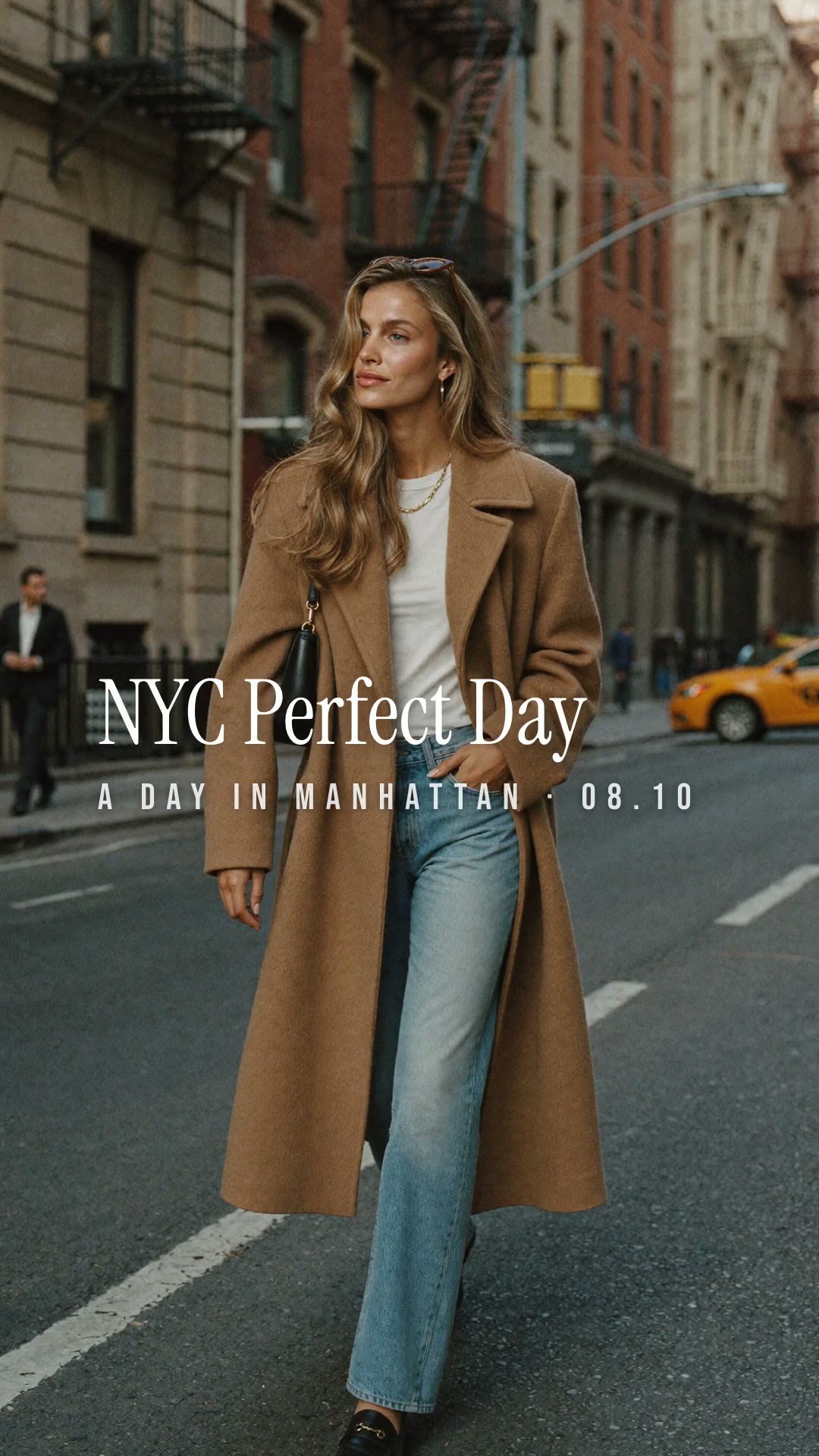
One jump, eight seconds of street, and a moment that stays still while the world doesn't. Find a busy spot, set your phone down and leap. For more city-led templates, try NYC Perfect Day or Walk-by text, or a bright recap with Summer split, and find every new template on the mangoroad blog.