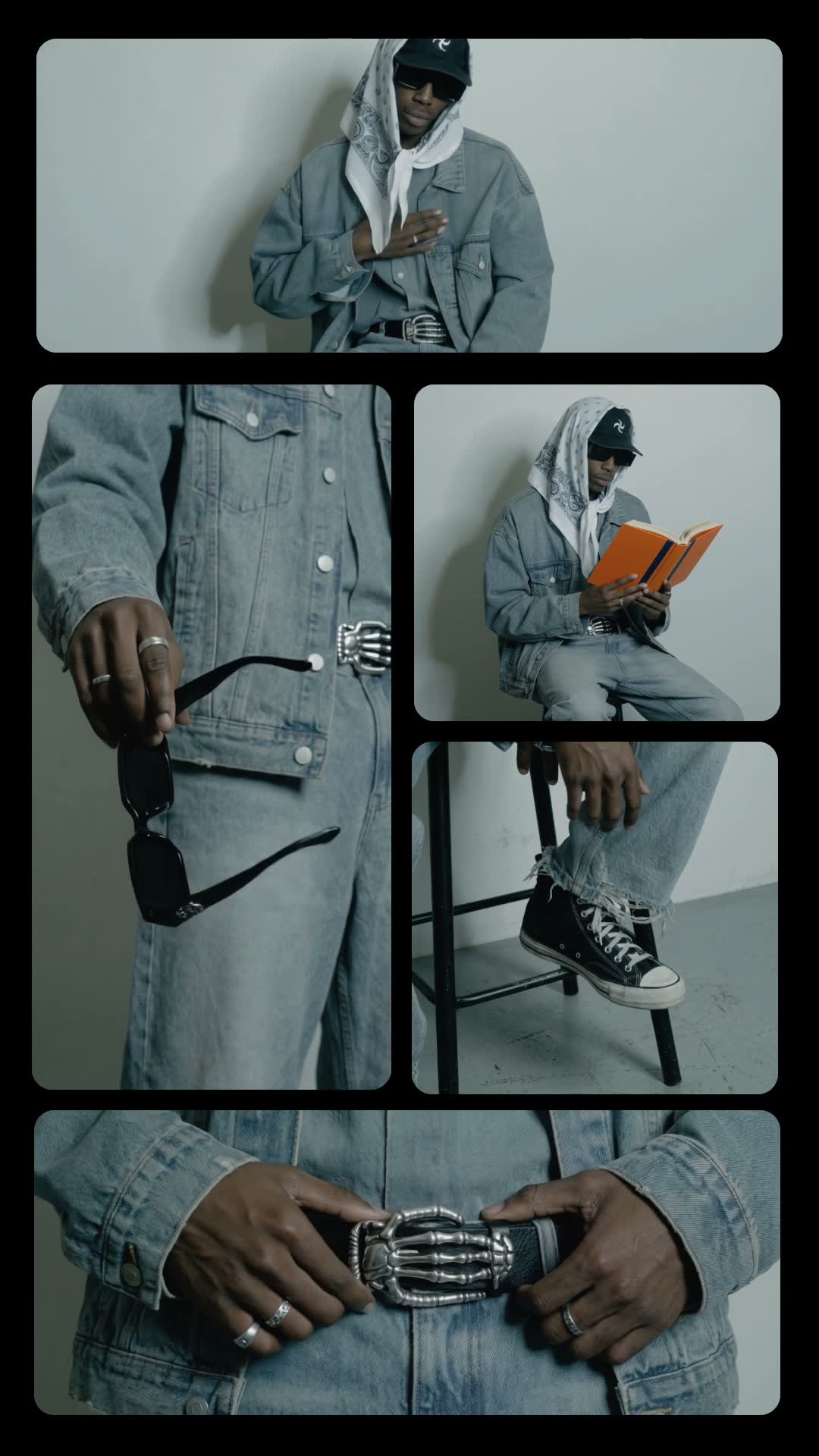
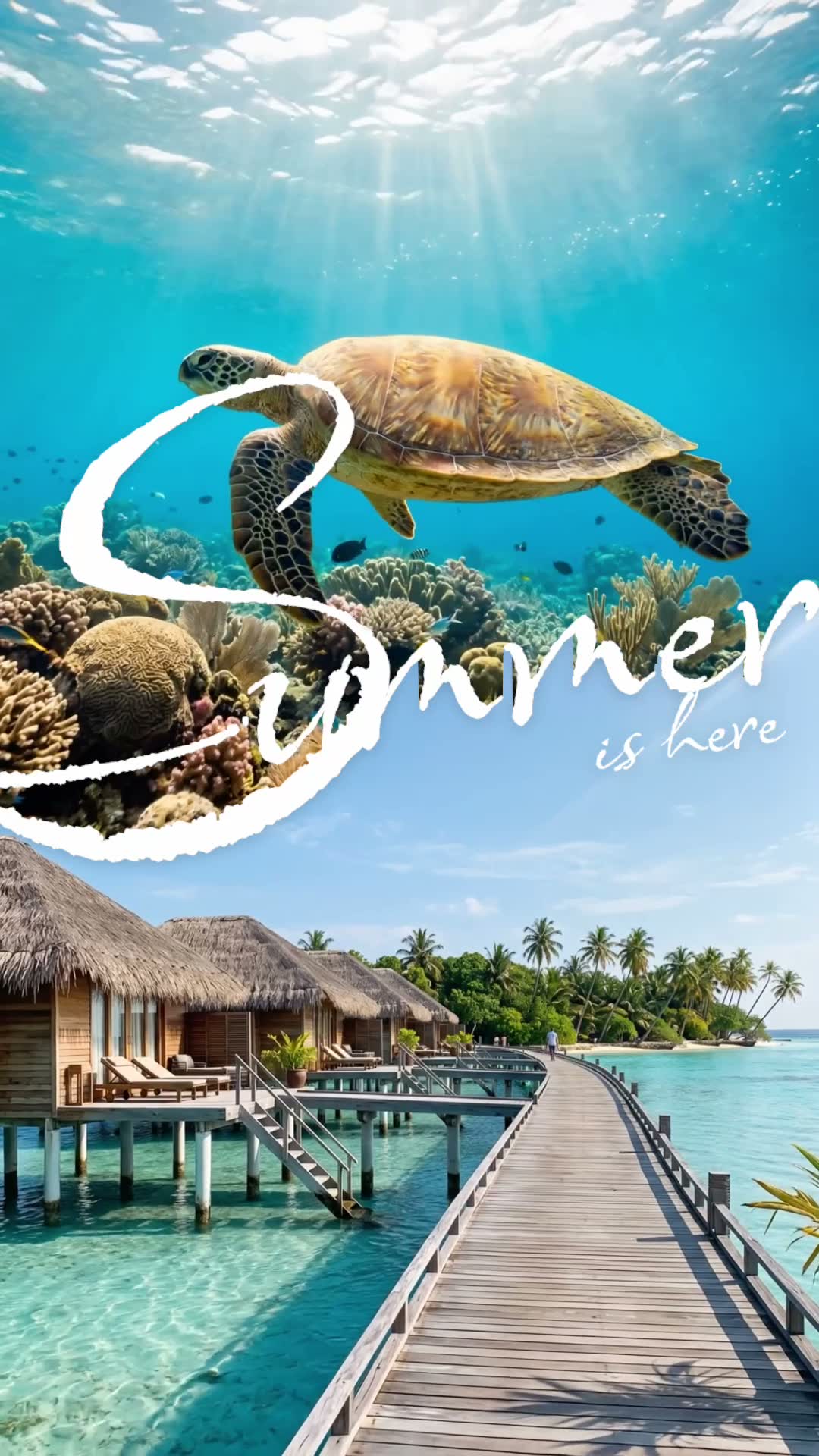
How to make an Event Flash video

mangoroad team
5 min read
Key takeaways
- Event Flash flashes four bold type looks around you on a fast rhythm, with the biggest words tucked behind you.
- All it needs is one photo of you, head and shoulders, in the middle of the frame.
- Change the headline words to whatever you want to announce, then export a vertical video of about eight seconds.
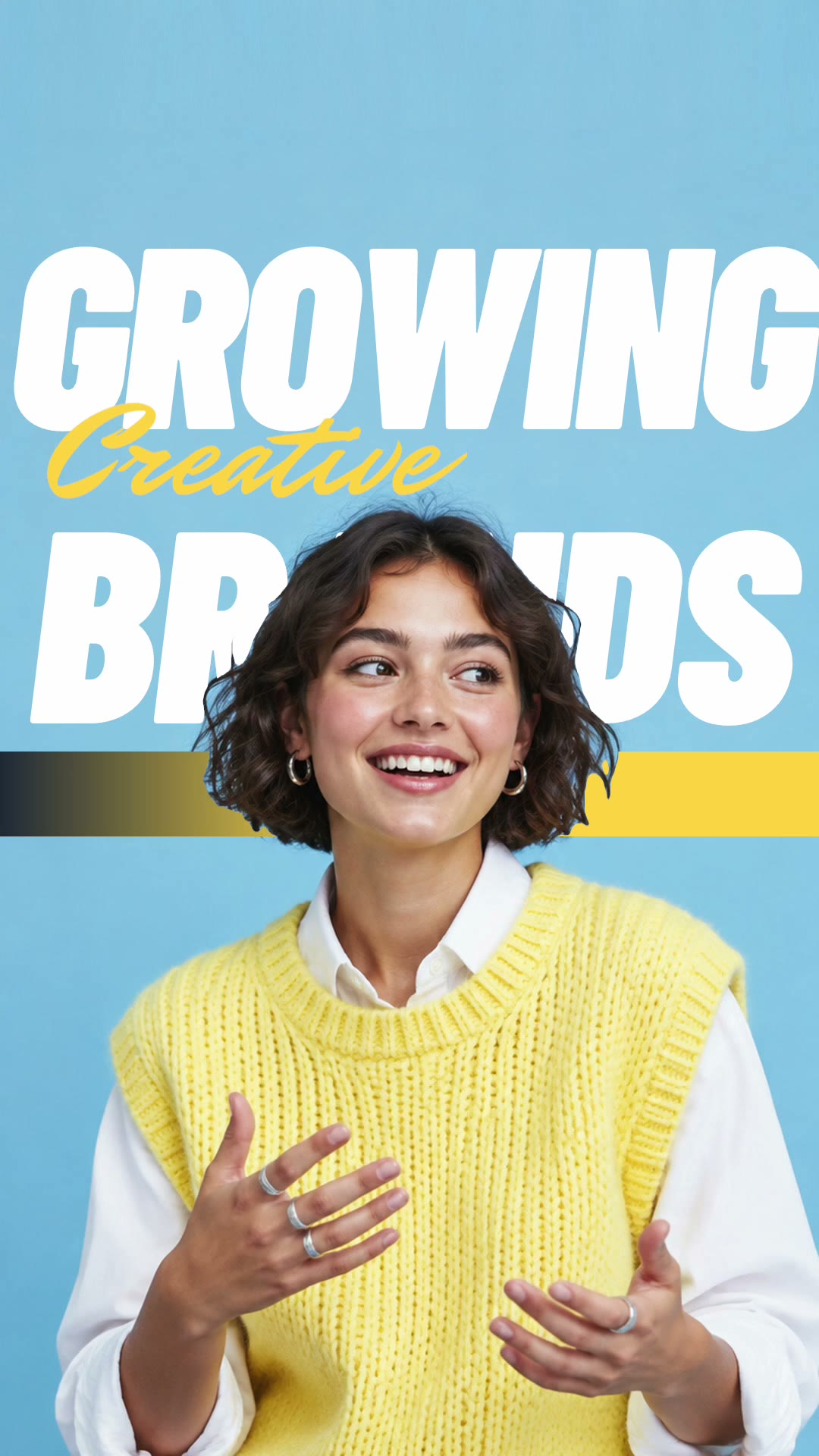
Event Flash is a flashing text video template that turns one photo of you into a bold, poster-style announcement. Four different type looks flash around you in quick succession, and the biggest words sit behind you, as if you're standing in front of your own billboard. In mangoroad, you choose the photo and the words, and the template does the rest.
Because it moves so quickly, it's good at stopping a scroll on TikTok, Instagram Reels and YouTube Shorts. Here's what it looks like, how to make it in mangoroad, and how to get more people watching once it's posted.
What the Event Flash template is
The finished video is vertical and about eight seconds long. Your photo stays in the centre while four bold type looks flash in and out around you on a fast rhythm: big headline words, smaller lines, different layouts. The largest words are tucked behind you, so you stand out in front of the type rather than being covered by it.
Despite the name, it doesn't need an event. It works for anything you want to say loudly: a new chapter, a birthday, an announcement, a mood. All the headline words can be changed, so it says exactly what you want.
Who it's for
- Anyone with news to share: a new job, a move, a launch, a milestone.
- Creators who want a bold intro or a recurring title card for their videos.
- People with a great portrait who want to do something more striking with it.
- Anyone who'd rather not learn editing software. The cut-out, layouts and timing are done for you.
How to make it in mangoroad (step by step)
Step 1: Open mangoroad and pick Event Flash
Find Event Flash in Discover and watch the preview. When you're ready, tap Use template.
Step 2: Choose your photo
Event Flash needs one photo of you. What makes a good one:
- Head and shoulders. Frame yourself from the chest up.
- In the middle. Keep yourself centred so the type has room on both sides.
- A simple background. A plain wall or sky helps the app separate you cleanly.
- A confident expression. It's a bold format, so a direct look or a big smile suits it.
Step 3: Change the headline words
Open Text and replace the words. The template comes with sample headlines, so swap in your own: your name, your news, the date, a word for how you feel. Short, punchy words in capitals look strongest when they flash.
Event Flash doesn't come with a song, so add a sound with a fast beat when you post.
Step 4: Preview and tweak
mangoroad shows you the finished video straight away. Check that each look reads at speed; if a line feels too long, shorten it. The preview updates every time you change a word.
Step 5: Export to Photos and post
Tap Export. The video is saved to Photos and kept in Projects in the app, and the share sheet opens so you can send it to TikTok, Instagram or YouTube.
How to get more people watching
Bold type does a lot of work in the first second. A few ways to build on it:
Hook them in the first second
Your headline is the hook. Words that announce something make people want to know more:
- “NEW CHAPTER” for a move or a new job.
- “30 TODAY” for a birthday.
- “I DID IT” for anything you've been working towards.
Turn it into a series
Use Event Flash as your title card. Start every update, every month or every episode of a series with the same format and new words. People quickly learn what it means when they see it.
Use trends without copying them
When a phrase or a moment is everywhere, put your own words on it. The bold type makes even a simple statement feel like a headline.
Post it on TikTok, Reels and Shorts
The export is vertical 9:16, so the same file fits all three. A few things to check:
- Sound. Pick something fast in each app's library so the flashes feel on the beat.
- Cover frame. Choose the look where your main headline is clearest.
- Caption. Tell the rest of the story the headline started.
Keep the conversation going
If it's an announcement, follow it up. Answer questions in the comments, and post the next part of the story so people who reacted have something to come back to.
Example captions and hashtags
Copy these as they are or use them as a starting point:
For a creator
New chapter: I'm moving to Berlin. Everything I'm taking with me is in the next video.
#newchapter #bigannouncement #movingabroad #typography #reels
For a birthday
Thirty today. Celebrating with everyone I love and far too much cake.
#birthday #30today #birthdayvibes #celebrate #typography
Just for fun
Finished a book for the first time this year. Making it everyone's business.
#smallwins #booktok #announcement #funnyreels #boldtype
Swap in tags that describe your own video. A few specific ones say more about it than a long list of generic ones.
FAQ
- Is the Event Flash template free to use in mangoroad?
- mangoroad isn't on the App Store yet. Making videos with its templates, Event Flash included, needs full access in the app, and the app shows you the options before you pay for anything. Get early access on this page and we'll email you when it's ready.
- What photos work best for a flashing text video?
- One clear photo of you, head and shoulders, in the middle of the frame. A plain background and good light help the app separate you, so the big words can sit behind you cleanly.
- Can I post an Event Flash video to TikTok, Reels and Shorts?
- Yes. It exports to your Photos as a vertical 9:16 video, the shape all three use, so you can upload the same file to each.
- How long should an Event Flash video be?
- The template makes a video of about eight seconds, which is long enough to cycle through all four looks and short enough to loop.
One photo, your words, four bold looks in about eight seconds. Pick a portrait you like and give it something to say. For more quick, beat-led edits, try Grid of gestures or Summer split, or something playful with Doodle pop, and find every new template on the mangoroad blog.